
Tag: Microsoft Teams

Netex Cloud. November 2026 Second release

Netex Cloud. November 2026 Second release

Improvements

LMS

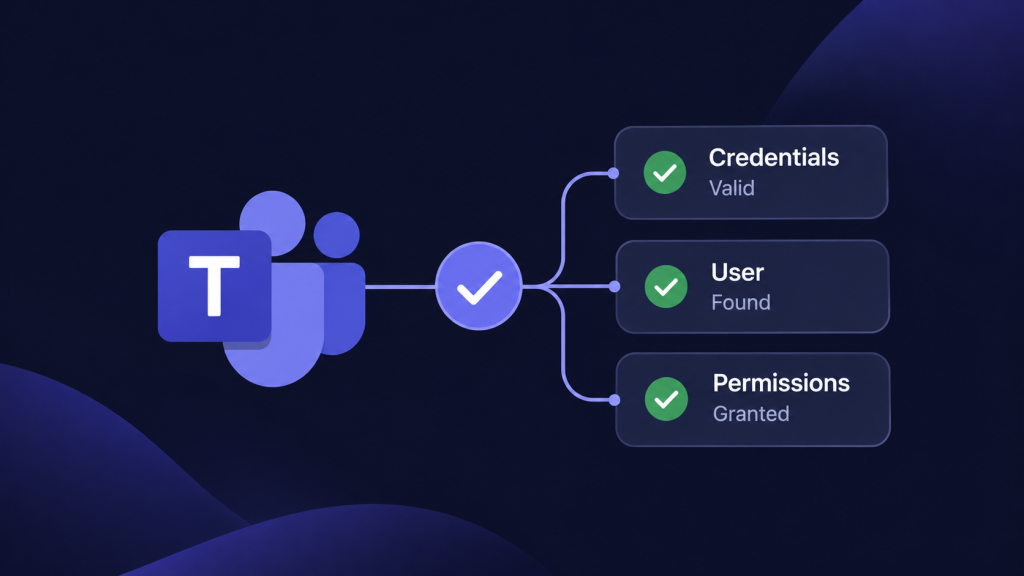
Microsoft Teams connection validation workflow

Check your Microsoft Teams connection in one click

Go to Administration → Connectors → MS Teams and enter a user’s email address. Netex Cloud will check whether the credentials work, whether the user is valid and which permissions have been granted, so you can troubleshoot configuration issues more quickly.

AI EXPERTS

Faster AI Experts

We’ve improved how AI Experts work behind the scenes so their processes run faster and more smoothly. You can keep using them as you do today.

LMS

Stronger security for your training and data

We’re continuing to strengthen security across Netex Cloud to help protect your training and data.

LMS. August 2023 Second release

LMS. August 2023 Second release

Release date: Wednesday, August 17th.

Integration of Events with Microsoft Outlook

Events is now integrated with MS Outlook and MS Teams. LMS automatically generates a virtual room in Teams when creating an event, and adds a training session to the calendar of all registered users.

Once the event is over, the teacher can synchronize the attendance data between LMS and Teams, showing which users attended and for how long.

More info

Required labed for Courses within Pathways

In Learner Portal, the contents required to complete a pathway, which previously showed the label “Mandatory”, now change to “Required”.

These functionalities will only be available in the new LMS portals (Leaner Portal and Admin Portal).

Esta es la página de Novedades de Netex Cloud. Para conocer el producto en profundidad, visita:

Ir a Netex Cloud