Within the detail view of a learning pathway in a Learning Program, you’ll find a new Resources tab. All the pathway’s supporting material, gathered in one place and just one click away. With this, we complete the new Learning Program design.
Improvements
LMS
Badge and diploma expiry up to 5 years
We’ve extended the validity limit of your badges and diplomas from 3 to 5 years, so you can adjust the validity of your certifications to what your organisation really needs. And, as always, you can also issue them with no expiry date.
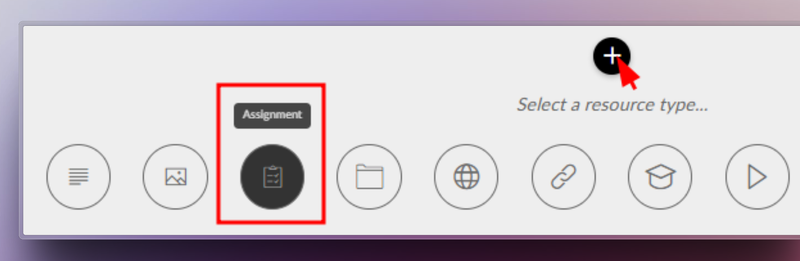
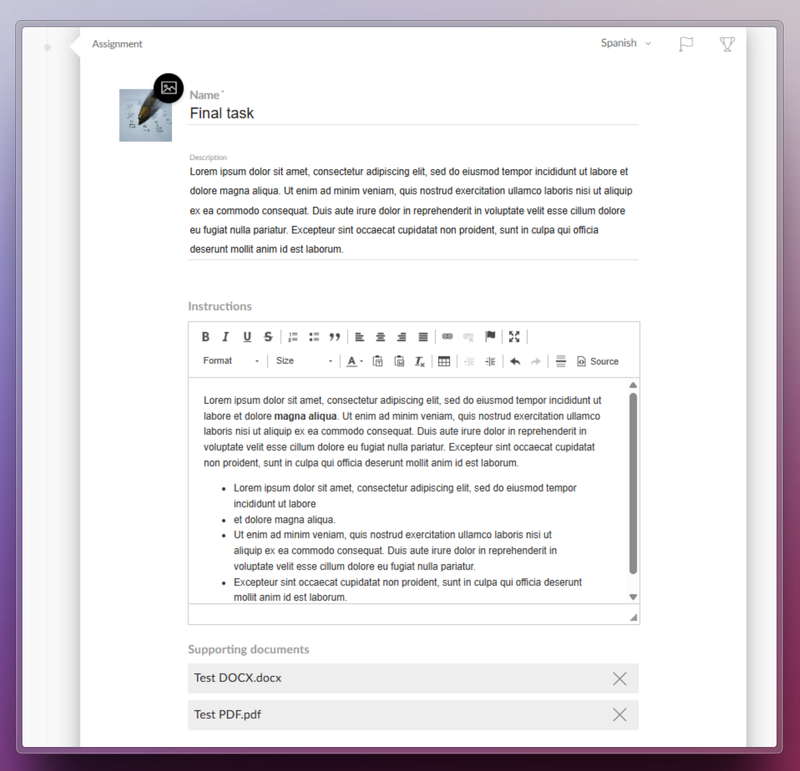
Netex Cloud LMS now includes assessment through practical assignments. Learners can submit files as evidence of learning, allowing instructors to collect and review submissions to evaluate their progress and understanding.
How does it work?
The trainer sets the assignment. They define the title, description, required resources, and whether the learner needs to upload a file as evidence.
The learner submits their work. They view the activity within the course and upload the required files in formats such as PDF, JPG, MP4, DOC, PPT, XLS, ZIP, etc.
Assessment and feedback. The trainer reviews the submitted files, provides comments, and assigns a grade.
Automatic integrations. Gamification rewards are triggered, and the overall course grade is updated for graded activities.
Benefits
Authentic assessment: Go beyond tests by evaluating learning through real-world evidence.
Complete flexibility: Supports multiple file formats and sizes.
Increased engagement: Boosts participation with automatic rewards and instant grading.
Seamless experience: Same workflow on web and mobile, with no learning curve.
Turn every submission into a learning opportunity.
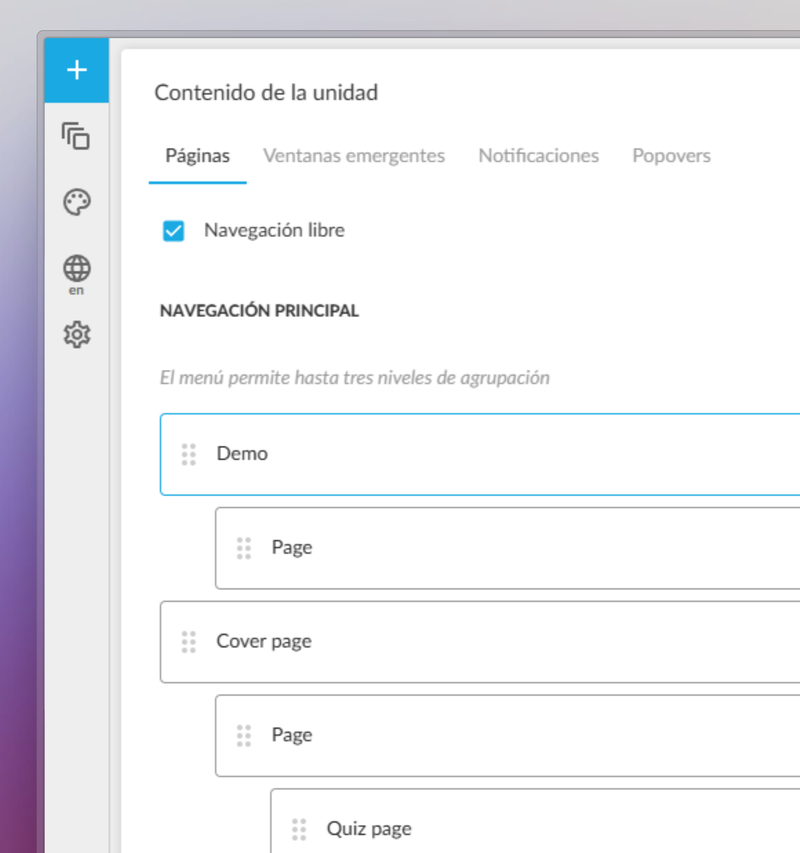
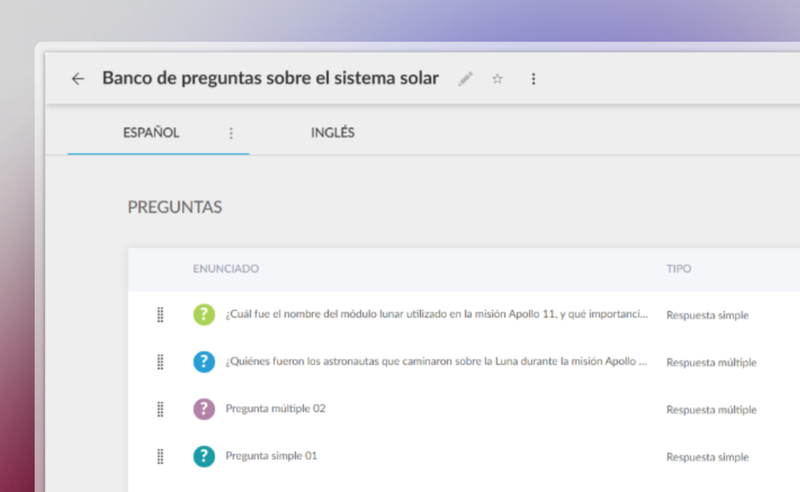
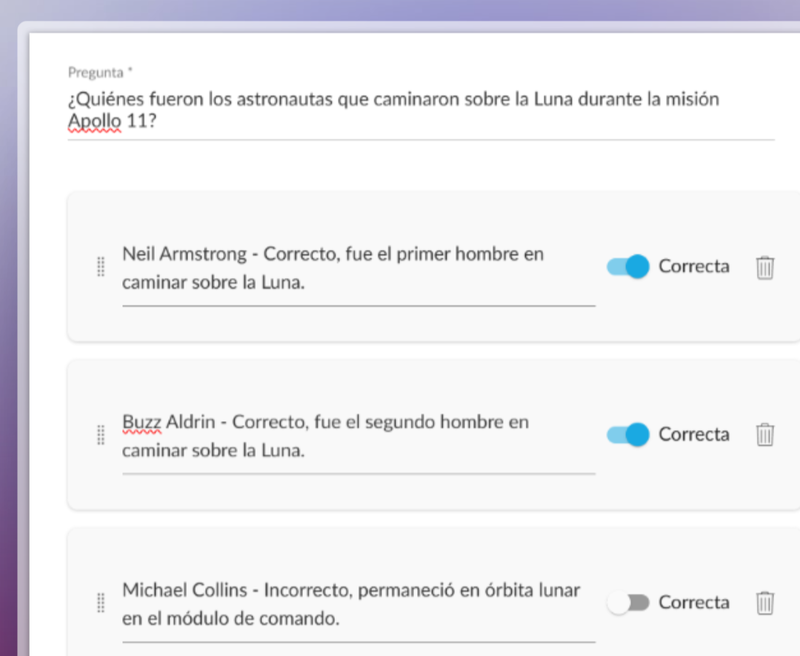
You can now create a centralised question bank in the Netex Cloud authoring tool, with single or multiple-choice questions that can be easily reused across all your content.
Managed from a single repository, updating questions or delegating their maintenance becomes much more efficient—no need to edit each unit individually.
Create dynamic quizzes by defining how many questions to draw randomly from the bank (e.g. 10 out of a total of 50), or how many per category (such as 5 from Maths and 5 from Algebra).
This allows you to offer personalised assessments to each learner—without increasing the author’s workload.
Videos now allow you to set a fixed aspect ratio (16:9, 4:3, 9:16, etc.) to ensure consistent, professional playback tailored to each design.
With these improvements, you gain efficiency, control, and quality in your assessments and multimedia resources.
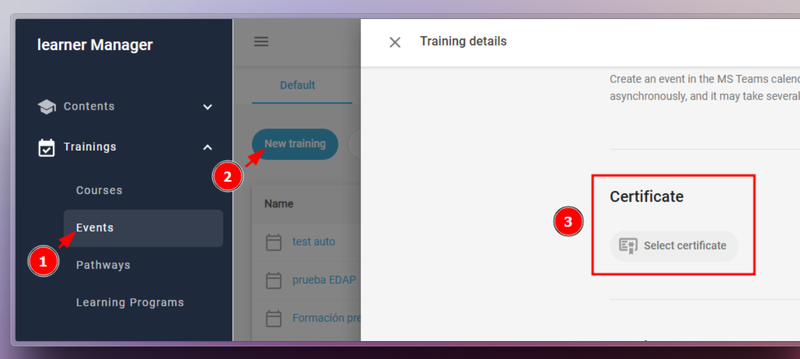
LMS Admin portal adds the option to delete a certificate so that it can be generated again. This option is useful, for example, if you changed the template and want the student to download the new version.
Attendance Marking by Group Administrators Group administrators can now mark attendance for events for their group members. This improvement streamlines attendance management and allows for more precise participation tracking.
Content Publishing by Authors Authors can now publish content without needing validation from a validator. This change grants authors greater autonomy and speeds up the workflow.