NEW FEATURES
LMS
Seat reservation in courses, pathways and learning programs
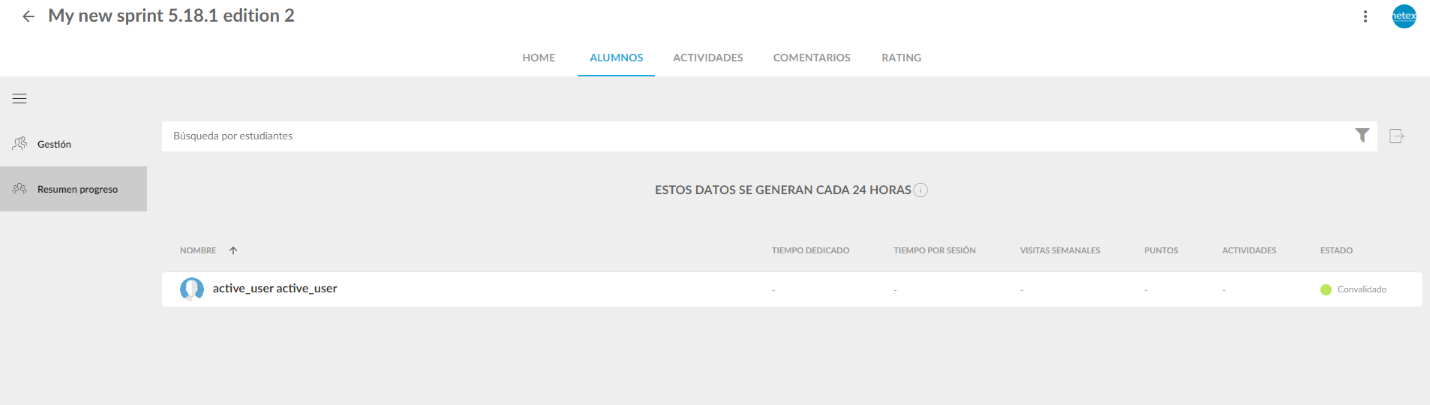
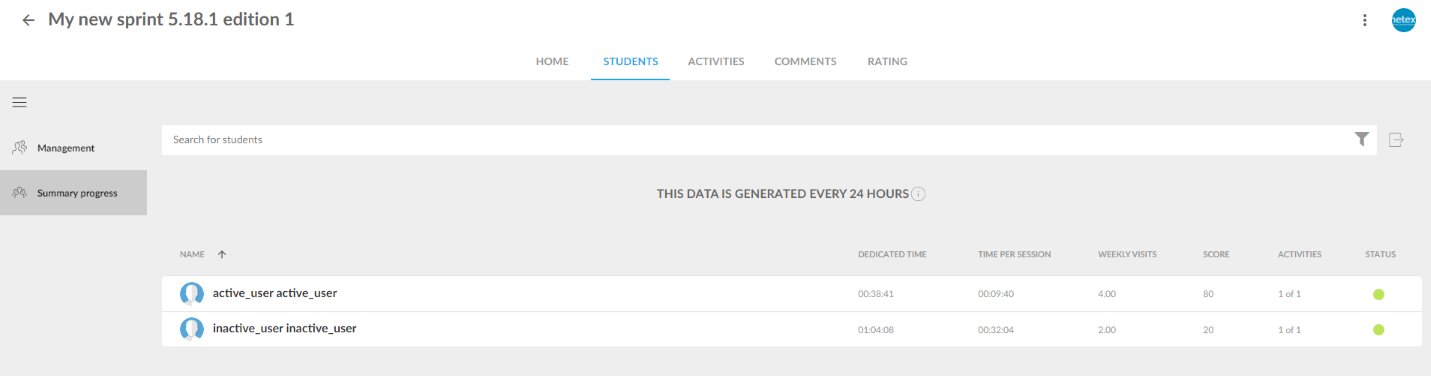
Do you have trainings with limited capacity? Now you can set a maximum number of available seats in any offering—not just events—and manage how they are assigned. Learners can request their seat and the system handles the rest: automatically if you configure it that way, or with administrator validation if you prefer to have full control. Fewer waiting lists managed manually, more order from day one.
Mejoras
LMS
Release your seat if you can’t attend
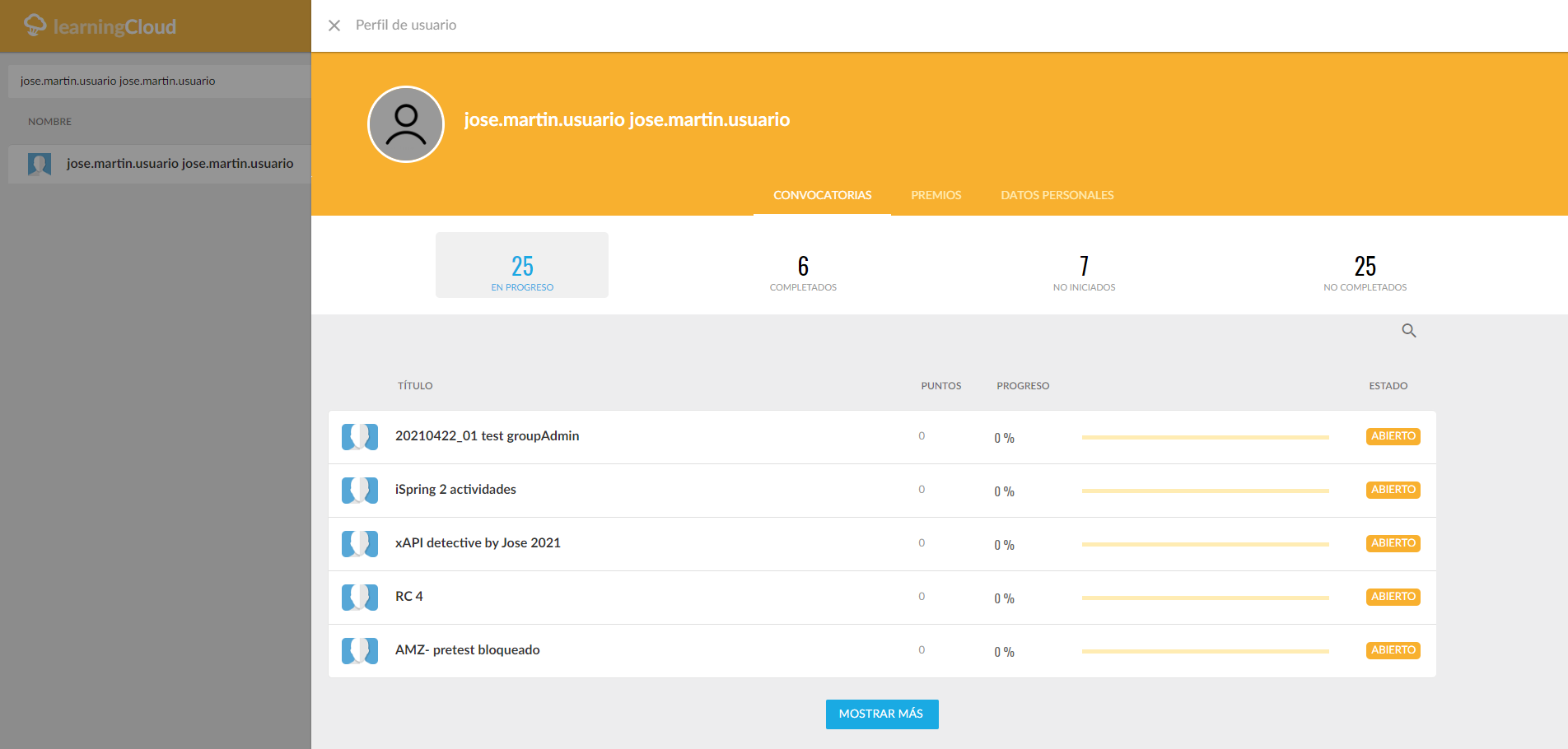
Learners enrolled optionally in any offering—not just those with seat reservations—can now unenroll if the training hasn’t started yet. This prevents seat blocking by users who won’t complete the course and increases the fluidity of training management.
Paste Markdown text directly into the editor
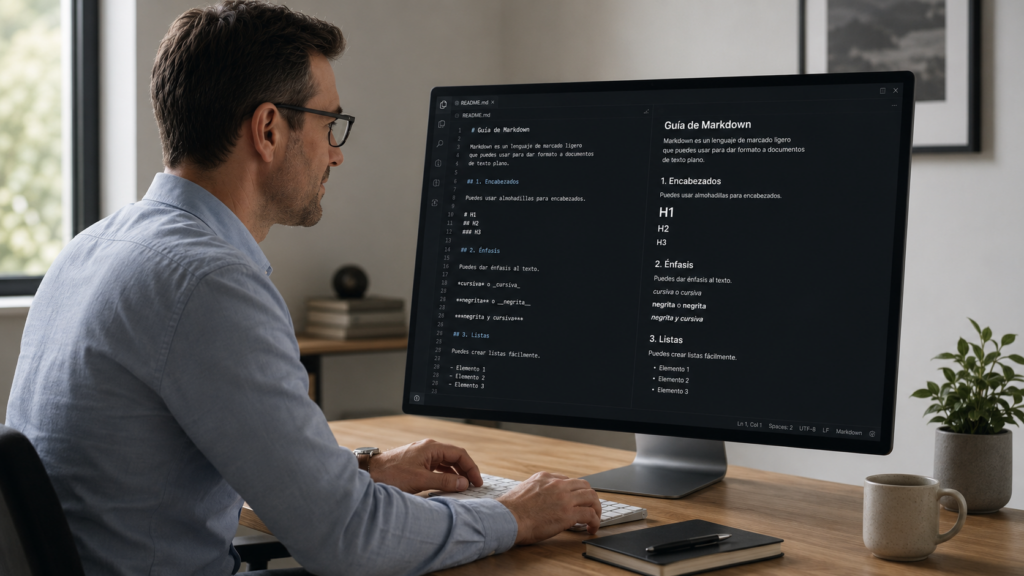
Working with generative AI and need to paste content into Netex Author? The editor now recognizes Markdown format automatically when you paste. Bold, lists, headings… everything converts instantly to formatted text. The workflow between your favorite AI tool and Author has never been more agile.
Copy sections between content while keeping images
You can now copy an entire section from one piece of content and paste it into another, including the images it contains. The system detects potential conflicts and asks you how to resolve them. Perfect for reusing content blocks without having to re-upload resources manually.