
Tag: Competencies

Netex Cloud. Agosto 2026 Second release

New features

LMS

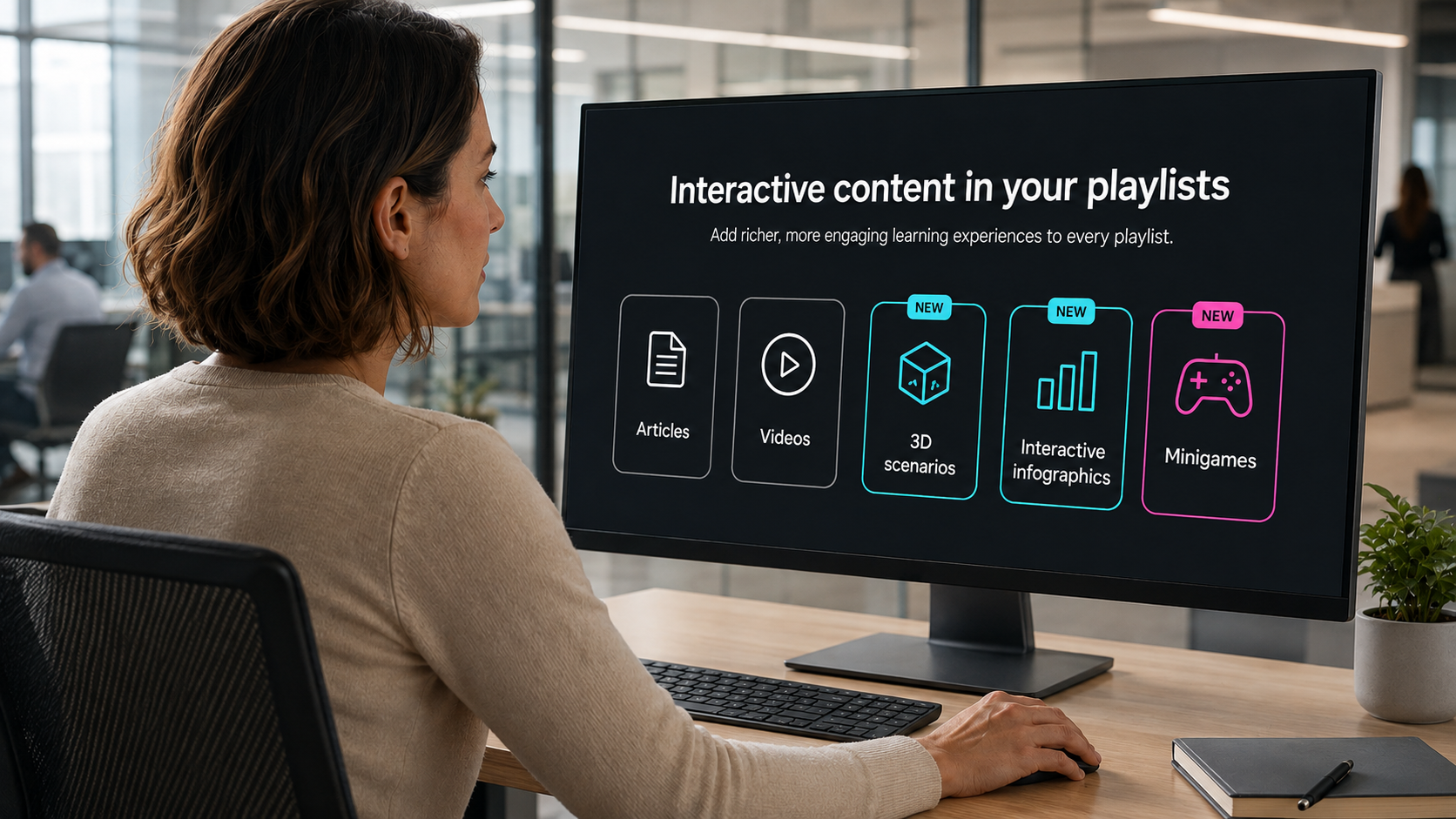
Interactive content in your playlists

You can now enrich your playlists with interactive content —3D scenarios, dynamic infographics and mini-games— alongside your usual articles and videos. A more agile and engaging way to learn, without leaving your learning journey.
IMPROVEMENTS

LMS

Complete activities from administration

Administrators can now mark an activity as completed for a specific user in a training, without relying on the user to complete it themselves. Less friction to resolve edge cases.

Enhanced security, always

We continue to strengthen the security and stability of the platform to make Netex Cloud increasingly robust.

Netex Cloud. August 2025 First release.

LMS

New templates in the report designer

Designing reports has never been easier! You can now use pre-defined templates for events and itineraries, or create your own custom templates. This will allow you to adapt reports to the specific needs of your projects and teams.

Assignment of skills and competencies across the platform

Greater coherence in your training! You can now assign skills and competencies to any learning entity, including events, itineraries and learning programmes. This way, you can better track the development of your users’ capabilities.

Offline tracking

Learning continues even without the Internet! From the App you will be able to download xAPI activities and complete them offline. When you reconnect, your progress will sync automatically with the LMS.

AUTHOR

Direct browsing of Netex Drive libraries

You can now access Netex Drive libraries directly from a unit’s resources panel. Easily import images, videos, PDFs or other Drive resources, just as you do with Unsplash or Getty Images.

Smart links to glossaries

Make your content more interactive and clear! You can now associate words or phrases within a text to glossary terms. When the learner clicks them, they will see the related information straight away.

Design improvements for the Designer profile

New visual states have been added to buttons and navigation menus, clearly distinguishing between the “hover” and “visited” states.

An improvement that makes the interface more intuitive and pleasant to use.