Tag: Skills

Netex Cloud. Agosto 2026 Second release

New features

LMS

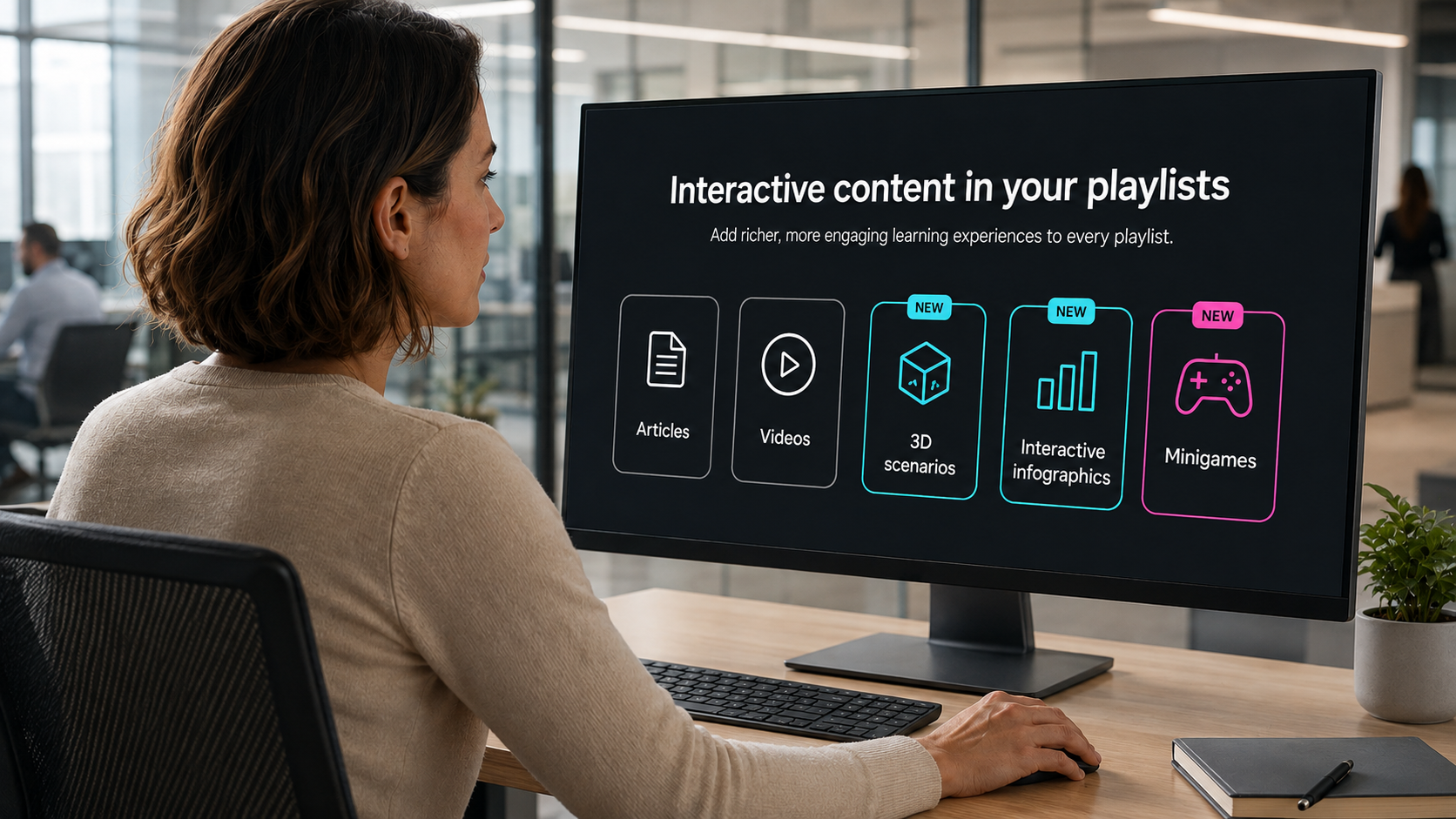
Interactive content in your playlists

You can now enrich your playlists with interactive content —3D scenarios, dynamic infographics and mini-games— alongside your usual articles and videos. A more agile and engaging way to learn, without leaving your learning journey.

IMPROVEMENTS

LMS

Complete activities from administration

Administrators can now mark an activity as completed for a specific user in a training, without relying on the user to complete it themselves. Less friction to resolve edge cases.

Enhanced security, always

We continue to strengthen the security and stability of the platform to make Netex Cloud increasingly robust.

Netex Cloud. October 2025 First release.

LMS

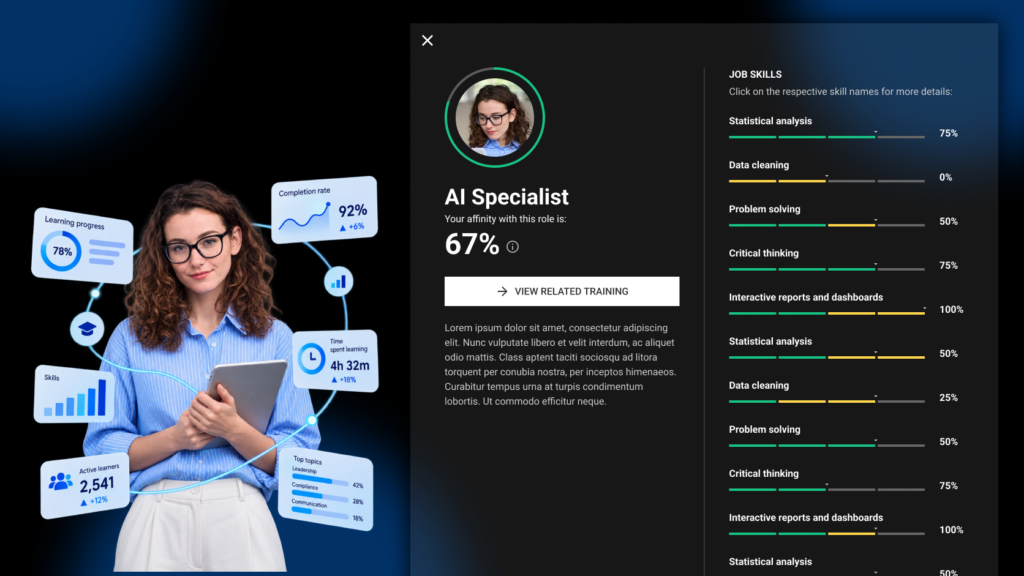
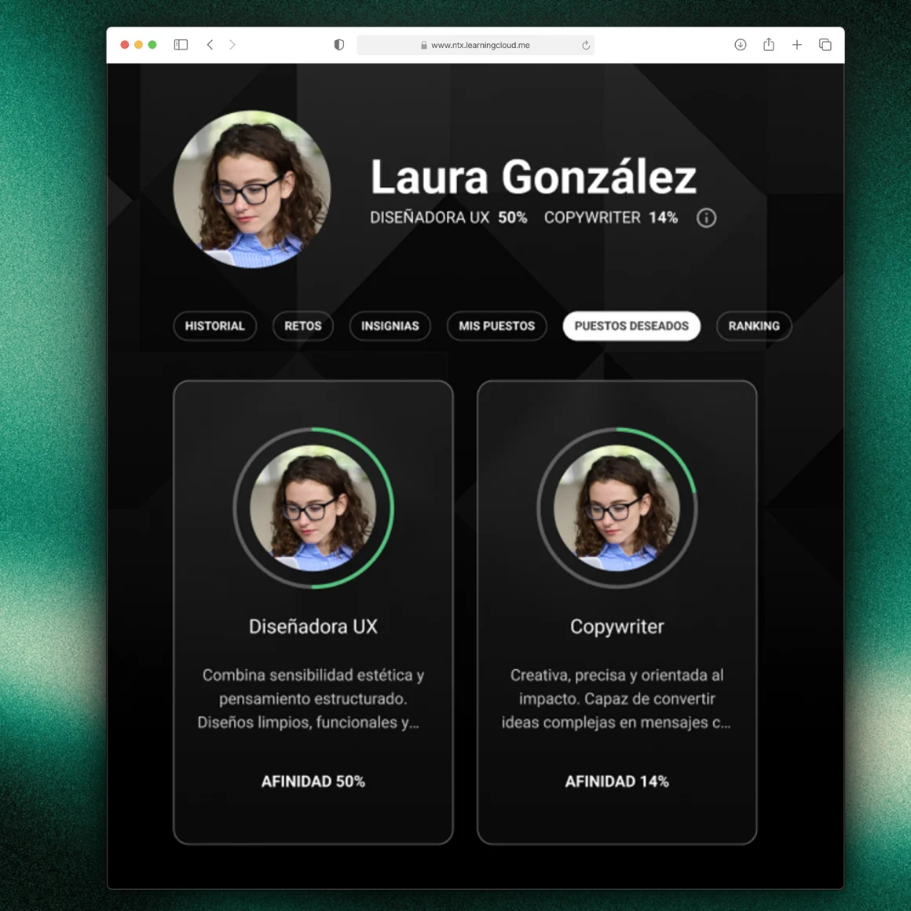
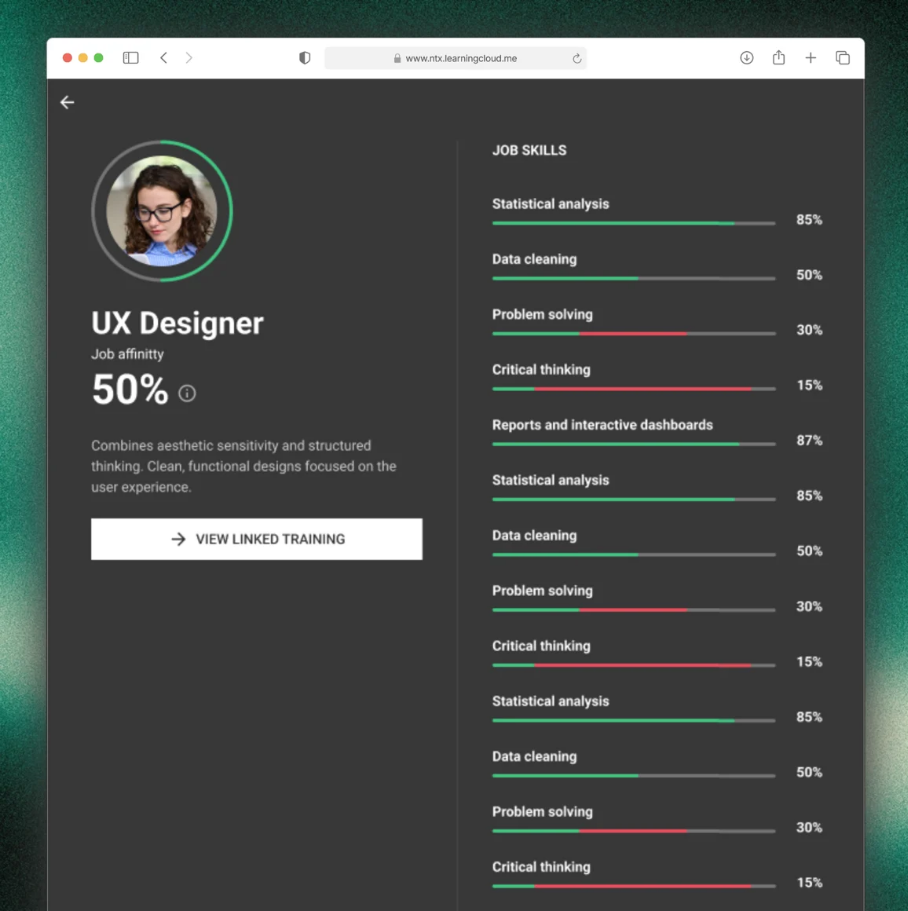
New Skills section for employees

A dedicated view to understand where each person is and what they need:

  • Your current role & fit: understand how you match the role requirements.
  • Your target role: select your professional goal to guide your learning.
  • Skills map & required levels (current and future) and your evaluation against those requirements.

Why it matters

  • Make decisions with data, not intuition.
  • Gain visibility of gaps and development priorities by team.
  • Learners get full clarity on where they are, where they want to go, and which training will take them there.

Recommendations based on Skills

  • We’ve added new carousels that suggest training according to your skills profile:
  • For your current role: courses, pathways and events tagged to your current level.
  • For your preferred role: aligned with the skills and levels of the role you’re aiming for.
  • For the skills you need to improve: recommendations focused on the areas identified in your latest performance evaluation.

Direct benefit

  • For administrators: makes team upskilling and reskilling easier.
  • For learners: supports each lea

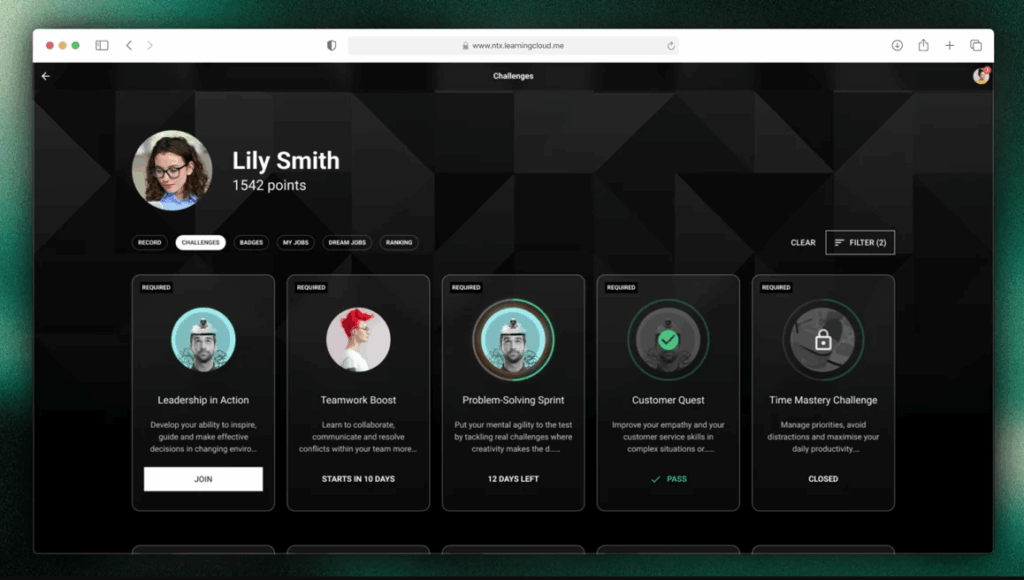
Challenges: learn by competing

Administrators can now create and assign Challenges to energise learning. You only need to configure a Challenge by setting:

  • Duration in weeks: start–end dates, description, challenge name, participants, and courses/activities.
  • Flexible activity complexity.
  • Accredit hours (based on the estimated time of completed content).
  • Accredit points (by summing completed content).
  • Badges: award one or more badges upon achieving or surpassing the target.
  • New “My challenges” section for learners: view, details, progress and status.

Exactly what you need

  • Simple progress and impact tracking by initiative for administrators.
  • For learners: clear objectives, visible progress and recognition.