New features
SHARE + DRIVE
Reuse your content without uploading it again
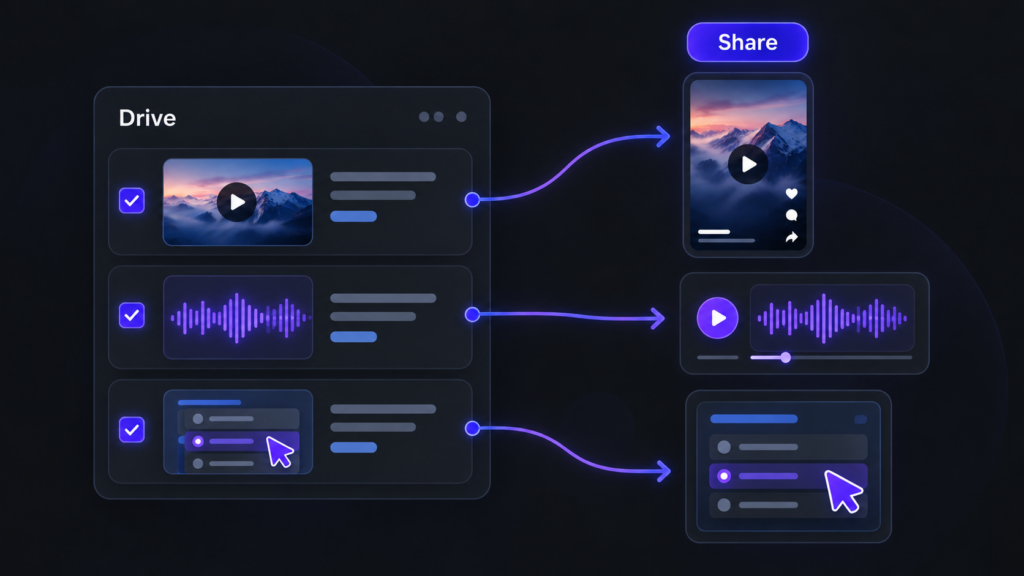
When creating a short, a podcast or an interactive activity, you can now select the video, audio or resource directly from your Drive libraries. You’ll see the most recent resources first and can browse your libraries whenever you need to. The browser only shows resources that match the type of content you’re creating. And, of course, you can still record or upload files as usual.
LEARN
Challenges that show you the way
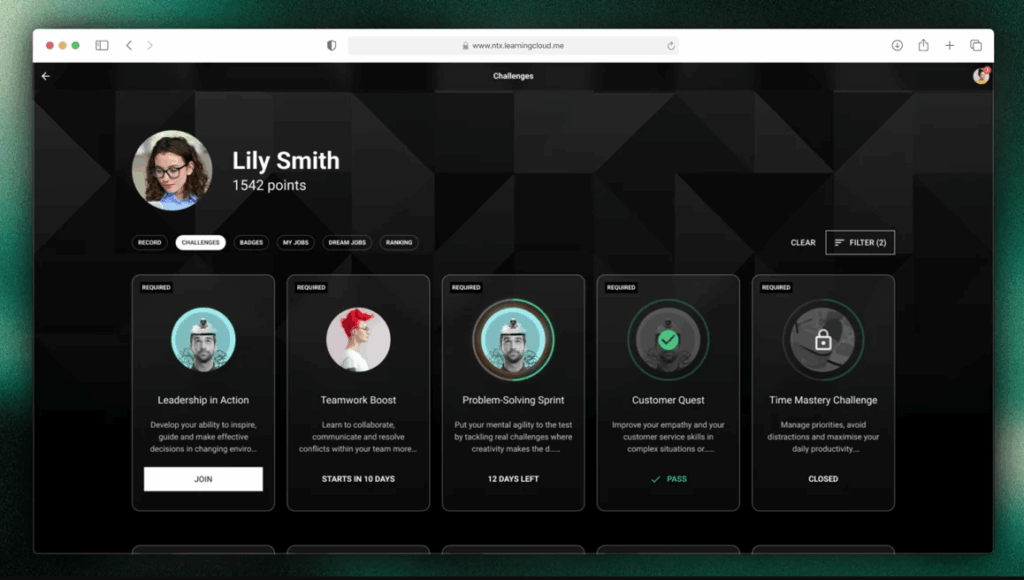
Within each challenge, you can now see which other challenges each course or learning path contributes to. This helps you identify the training that offers the most value at a glance. Click the challenge icon to open the content details and see all the challenges it belongs to.
AUTOMATE
Automatically mark courses and events as complete
Set up rules to mark courses or events as complete automatically. For example, when someone completes one course, you can automatically mark a second course as complete. This enables fast-track processes and automatic recognition of equivalent training.
This first version supports courses and events only. The completion date will be the date the process runs, rather than the date of the action that triggered the rule, and no learning time will be recorded. Events will be marked as complete without recording attendance.
Improvements
LEARN
Your professional development, one step closer
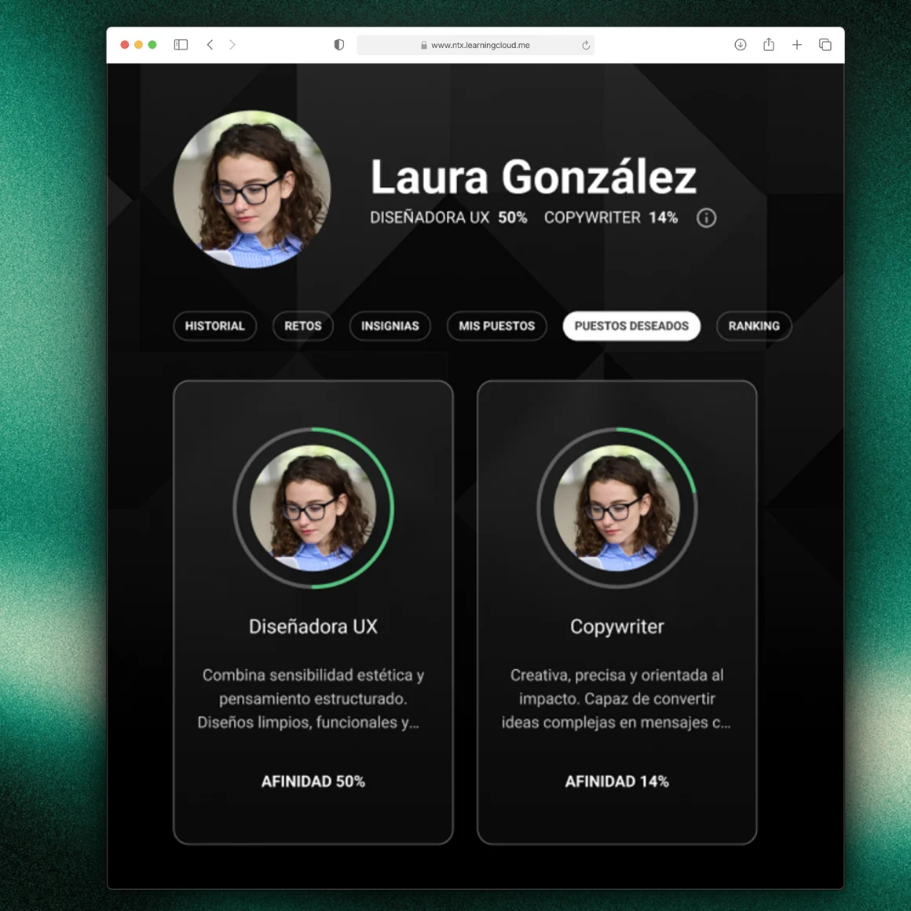
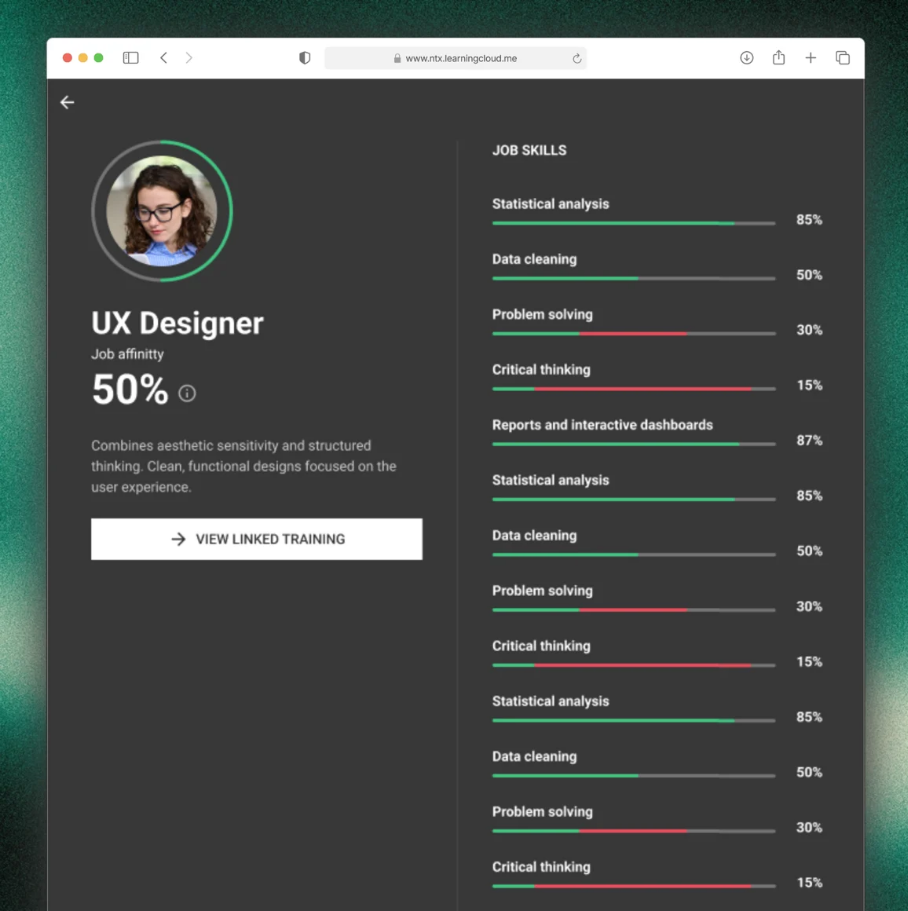
Your profile now takes you straight to your job position, with no extra clicks. If you have more than one position, you can switch between them using tabs. We’ve also refined the profile design, and your certificates now appear in a list that’s easier to browse.
SHARE
Publish, step by step
We’ve redesigned the publishing forms with a guided wizard: first, choose your material, then add the cover image, title and description. A clearer, faster process with a fresh look for shorts, podcasts, links, articles, interactive activities and playlists.
SHARE
See articles just as your learners will
The new article editor shows you the final result as you write, with all the formatting tools close at hand. What you see is what gets published.
SHARE
Link details, filled in automatically
Paste a URL and Share automatically retrieves the title and image. Want something different? You can change them in moments.
SHARE
Cover images, your way
Choose the video frame that best represents your content or upload your own image, using an improved image picker.
LEARN
Filter and sort your challenges
Filter the content within a challenge by enrolment type (mandatory or recommended) and session status (open or closed), and sort it alphabetically.