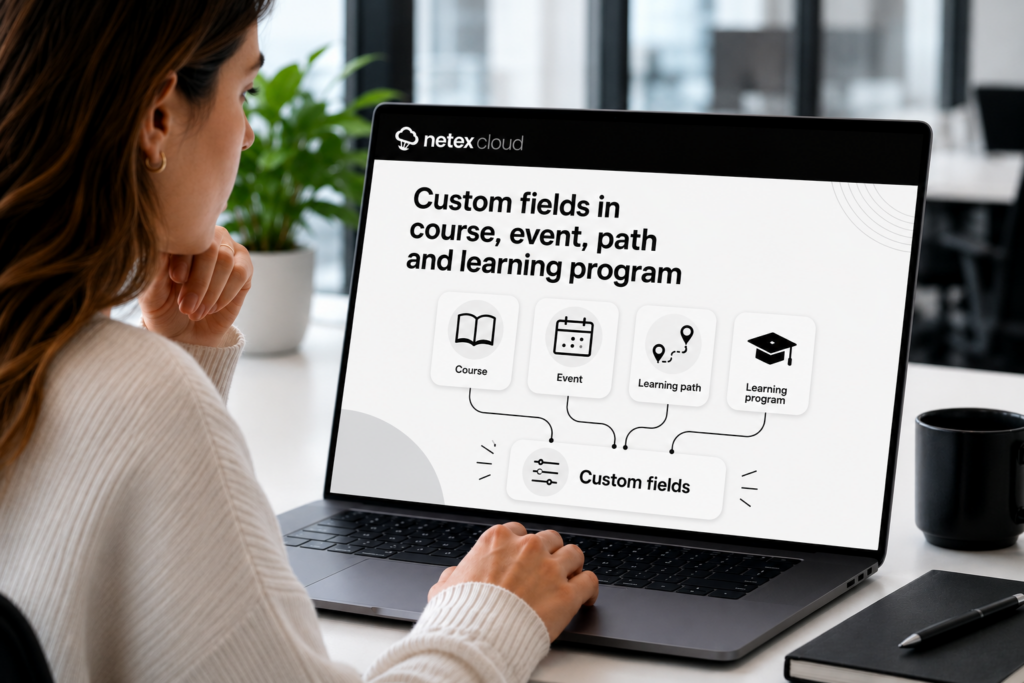
Do you use custom fields in courses and learning pathways? Now you can also add them to your trainings — for courses, events, learning pathways, and learning programs. Configure value lists, required fields, optional fields, and filters, just like you were already doing with the rest of your content.
Controlled Unsubscription with Seat Booking
Users who have registered optionally in a training with seat booking can now release their seat if the training hasn’t started yet. More flexibility to manage capacity without administrator intervention.
Seat reservation in courses, pathways and learning programs
Do you have trainings with limited capacity? Now you can set a maximum number of available seats in any offering—not just events—and manage how they are assigned. Learners can request their seat and the system handles the rest: automatically if you configure it that way, or with administrator validation if you prefer to have full control. Fewer waiting lists managed manually, more order from day one.
Mejoras
LMS
Release your seat if you can’t attend
Learners enrolled optionally in any offering—not just those with seat reservations—can now unenroll if the training hasn’t started yet. This prevents seat blocking by users who won’t complete the course and increases the fluidity of training management.
AUTHOR
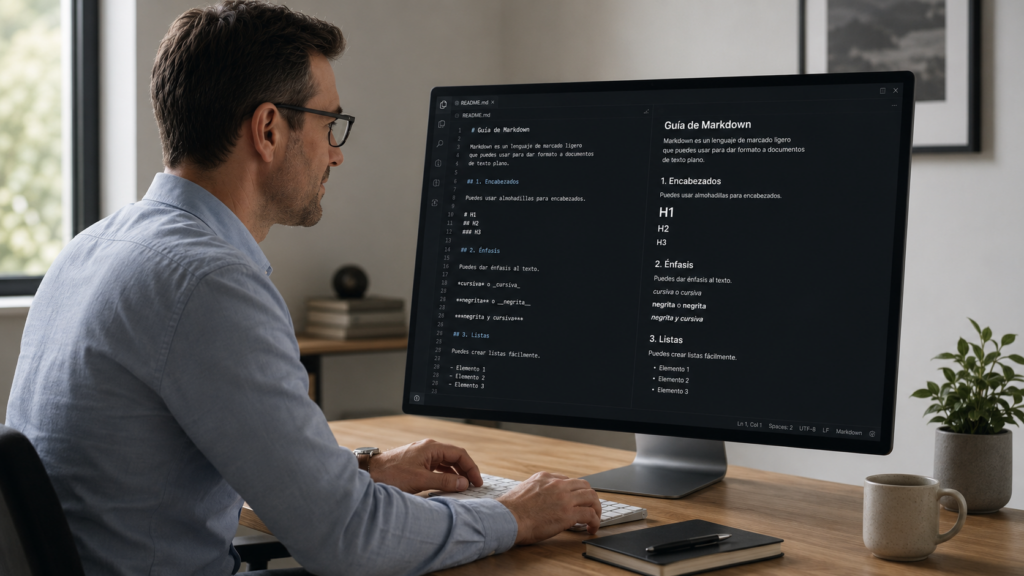
Paste Markdown text directly into the editor
Working with generative AI and need to paste content into Netex Author? The editor now recognizes Markdown format automatically when you paste. Bold, lists, headings… everything converts instantly to formatted text. The workflow between your favorite AI tool and Author has never been more agile.
AUTHOR
Copy sections between content while keeping images
You can now copy an entire section from one piece of content and paste it into another, including the images it contains. The system detects potential conflicts and asks you how to resolve them. Perfect for reusing content blocks without having to re-upload resources manually.
Challenges now allow you to configure which completions are taken into account to calculate progress:
Completions made between the challenge start and end dates
Completions made up to the challenge end date
✔︎ This gives you more control to adapt challenges to different business and tracking needs.
Credential recertification
At Netex Cloud, we are taking another step forward to promote continuous learning. You can now configure credentials with an expiration date and activate automatic recertification processes, ensuring that your teams’ skills are always up to date.
What does this new functionality include?
Configurable credential validity. Define how long a credential will remain active (for example, 6 months) and ensure knowledge stays current.
Automatic notifications before expiration. Learners receive advance reminders to renew their credential without interruption.
Automatic recertification through an exam or course. Set up automatic enrollment rules so that users with expired credentials can move directly into the renewal process.
New credentials dashboard. See which credentials are active or expired and make strategic, data-driven decisions.
What does it mean for your organization?
More control and visibility
Less manual management
Teams that are always up to date
Greater value and credibility for your certifications
With this new functionality, credentials in Netex Cloud are no longer static and become a living tool to support continuous professional development.
✔︎ This gives you more control to adapt challenges to different business and tracking needs.
Desired job roles
Learners can now add and remove desired job roles from their profile, as long as this option is enabled for their tenant.
A feature designed to provide more personalization and greater value in tracking professional development.
Expanded information in pathway seat reservations
Pathway sales sessions now display more information about seat availability and status, giving users a clearer view at a glance.
Points hidden when gamification is not active
When gamification is disabled, points are no longer displayed, avoiding confusion and maintaining a more consistent experience.
Esta es la página de Novedades de Netex Cloud. Para conocer el producto en profundidad, visita: