Tag: Content Creation

Netex Cloud. May 2026 First Release

EXPERTS

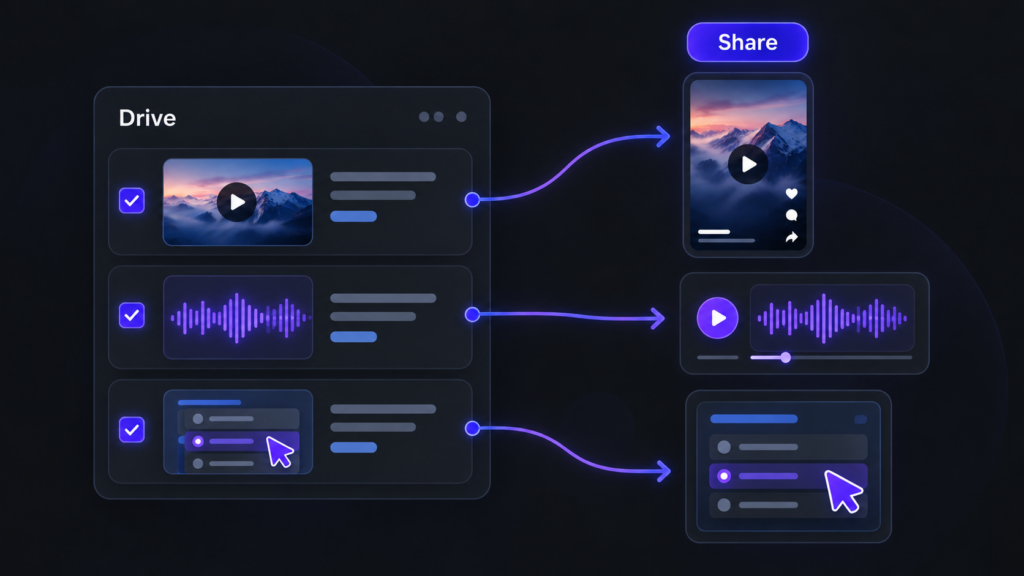
Video and audio files now supported from Drive

Until now, Experts could index Drive content in PDF, SCORM or xAPI format. From this release, that capability extends to multimedia content: videos and audio files.

This makes it much easier to leverage materials such as recorded training sessions, video pills, podcasts, internal explainers or supplementary content. More supported formats means more knowledge within reach for your users.

NETEX CLOUD

Four new languages now available

Netex Cloud adds new languages to keep expanding its international reach: Serbian, Croatian, Bosnian and Montenegrin. This update marks another step in our expansion across Eastern Europe, delivering a closer, more localised experience for users in these markets.

Netex Cloud. March 2026 Second Release

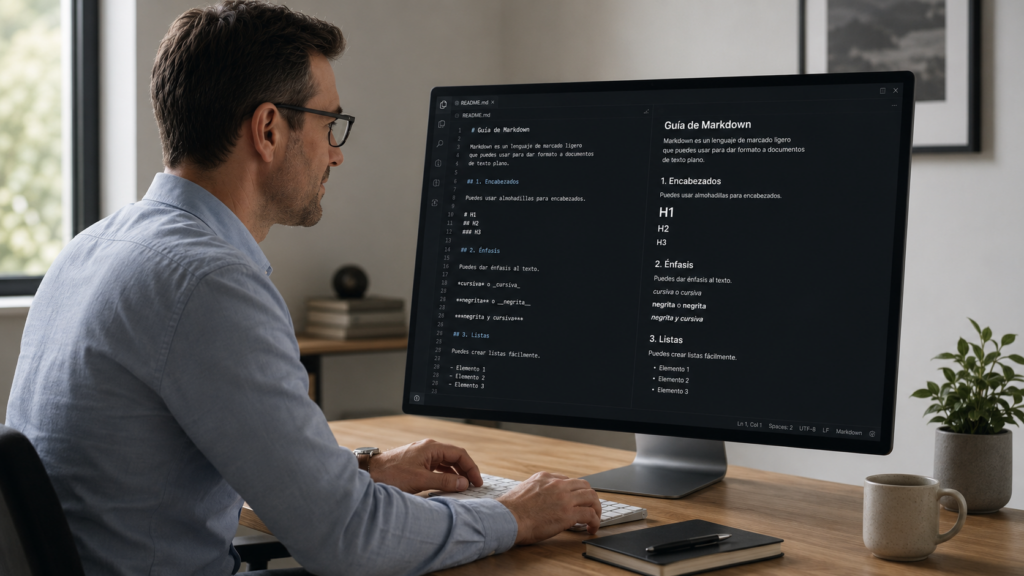
Code blocks in the Authoring tool

You can now insert source code blocks directly into content created with Author.

✔︎ Clearer, more professional content that’s much easier to read.

More supported file types in Drive

We’ve expanded the range of supported formats in Drive, so you can work with more resource types from a single place.

New supported formats:

  • Office documents: spreadsheets, presentations and text documents
  • Audio files: such as MP3, WAV and other common browser-compatible formats

For audio files, an integrated player is now available, allowing users to listen directly within the platform. 🎧

✔︎ Greater flexibility to adapt learning assets to different business and tracking needs.

Experts can now use content from Drive

The Experts functionality takes another step forward: it is now possible to add knowledge from Drive directly into an Expert.

Experts can currently use the following as knowledge sources:

  • PDF
  • SCORM
  • xAPI

This enables more enriched responses, combining content not only from the LMS but also from Drive—always respecting each user’s access permissions.

✔︎ More powerful Experts, better connected to your resources and more effective in answering real-world questions.

New tag-based search filter in the LMS

A new search criterion has been added to the LMS: tag-based search.

Users can now find content more precisely using associated tags, in the same way they already do with other search fields.

✔︎ Faster and more intuitive access to the right learning content.

Note: this functionality is available in environments already using the latest version of carousels/search.

Redesigned job role view

The job roles screen has been redesigned to provide a more visual and intuitive experience. Key improvements include:

  • Updated colour scheme for easier reading
  • Visual indicators of current and target levels for each competency
  • More detailed insights when selecting a competency
  • Direct access to related content to continue improving each skill

✔︎ Result: clearer progress visibility and more effective navigation.

Learning Cloud Author 1.56

On Thursday 15th March​​​​​​​, a new version of LearningCloud Author (v1.56) will be released. It includes several enhancements:

  • A new type of activity is available: Drag over image.
  • Feedback can be displayed depending on the score obtained in a questionnaire.
  • It is now possible to change the size of a word or a sentence in a particular text.
  • When exporting texts in XLIFF format to send for translation, it is possible to exclude texts from the templates and symbols of pre-packaged structures in the theme.
  • You can indicate at what point in the video the learner is considered to have completed the video, so that it is not necessary for the learner to watch the end credits.
  • New action for buttons: It is possible to reset the learner’s progress in the content: videos and audios go back to the second zero of playback, the time spent for completing time-limited quizzes goes back to 0, etc.

In addition, the latest updates of the authoring module (maker) have been incorporated, along with other small improvements, internal functionalities and some bugs have been fixed.

contentCloud 1.28 – What’s new in Tokyo, Berlin and Vienna templates

We have incorporated in these templates various improvements and changes that you will be interested in:

Tokyo:

  • Repeat wallpaper. Now you can add a background image on the screens and decide if it is background is displayed at 100% of its size or if it is displayed to its original size and repeated as many times as necessary to occupy the entire screen. Learn more.
  • New properties in the “Flipable Image”. Now you have a new “Custom” view that will allow you to customize the colors and background image of the component, its border, its front and its back. Learn more.
  • New “Image Response” activity. Have your students have to locate the correct areas on an image. Learn more.

Berlin:

  • New “Code” component. If you want to do programming training, you can now easily do so with the “Code” component. You’ll be able to incorporate code from different programming languages to teach your students how to program. Learn more.
  • New “Parallax” component,which will allow you to add images to fullscreen and that will act as dividing elements. Learn more.
  • New “Reinforcement Activity” component. Now you can add activities throughout the unit that won’t be considered for scoring but will be interesting to reinforce the student’s knowledge. Learn more.
  • New view of the “Image Gallery” component. This new view will allow you to add a graphic background to the entire gallery and decide the position of the images inside (right, left, center…). Learn more.
  • Time counter in questionnaires. You can now add a timer or countdown to your quizzes. Learn more.
  • New “Image Response” activity. Have your students have to locate the correct areas on an image. Learn more.
  • New “Drawing” activity. Allow your students to do free drawing activities so they can see what the correct solution would have been. Learn more.

Vienna

  • Customize the background of all pages. You can now customize the background of all pages, including the cover, by setting a different color to each or a custom background image. Learn more.

Learning Cloud Author 1.55

On Thursday 23th February​​​​​​​, a new version of Learning Cloud Author 1.55 will be released. It includes several enhancements:

  • Editing is smoother, especially when working with text.
  • Content loads faster, both when previewing and when launched from the LMS.
  • Publication packaging takes less time to generate.
  • It is possible to add conditions to enable and disable page forward and page back buttons.
  • It is easier to assign values to design properties using the keyboard.
  • In the “easy” editing mode it is no longer possible to add pages, pop-ups and blank notifications.
  • It is possible to open several unit pages in different tabs by using the combination “Ctrl + click” (in list mode view).
  • The design of the external units page has been adapted.
  • The creation of authoring units from Word documents has been adapted for integration into the theme selector.
  • The xAPI packages include metadata with information on the tool with which they have been created, and various identifiers

In addition, the latest updates of the authoring module (maker) have been incorporated, along with other small improvements, internal functionalities and some bugs have been fixed.