Tag: Training Management

Netex Cloud. June 2026 Second release

New features

LMS

Extended Fields in Trainings

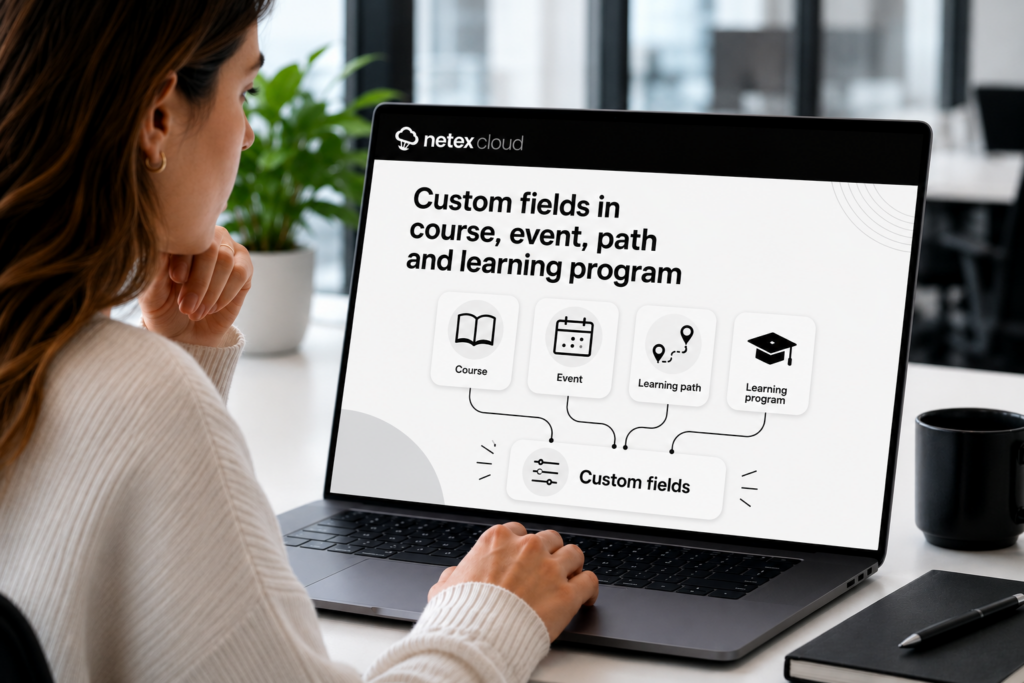
Do you use custom fields in courses and learning pathways? Now you can also add them to your trainings — for courses, events, learning pathways, and learning programs. Configure value lists, required fields, optional fields, and filters, just like you were already doing with the rest of your content.

Controlled Unsubscription with Seat Booking

Users who have registered optionally in a training with seat booking can now release their seat if the training hasn’t started yet. More flexibility to manage capacity without administrator intervention.

LC6. May 2024 First release

LMS

Admin Portal review (History screen)

We conducted an audit of the new Administrator Portal to ensure that no feature was missing from the previous version. For example, the title of the content to which the reports refer have been restored in the History screen, displayed in brackets next to the type of report.

This feature is available for all instances.

More info

Learning Cloud LMS 5.29

On thursday, March 23, LearningCloud team will release 5.29 version

NEW FEATURE

See training URL on QR view: from this release, the administrators could view and copy the training url to share it with any user with access to the training.

learningCloud 5.17.1 – Validation at the training level and new author filter.

Validation at training level

Until now, if a user was enrolled in a sprint or channel training that they had previously completed, the platform automatically validated the enrolment in the new training and the user did not need to complete it again.

Now administrators and group administrators can decide, when creating a new training, whether it is validatable or not. The default behaviour will be the current one (it will be validatable) but they will be able to change this behaviour so that users who register for this new training will have to complete it again.

In many occasions an employee must re-complete a training to obtain an annual certification. In this type of scenario it is necessary to deactivate the option “validations” in the training.

Filtering by author in the sprints and channels list

We have added a new filter in the screen that shows the list of sprints and in the screen that shows the list of channels to allow filtering by author.

This way it is possible to display all the sprints or channels that have been created by a specific author.