Tag: Extended Fields

News on reports and teacher-student chat

Release date: 18th January 2024

New feature allows to download reports

The recent launch of the Admin Portal 6.15 brings a key improvement to get the most out of the Reports: the ability to export and donwload lists on a CSV file. Users can review this on any computer or upload it to a data cloud.

This feature is currently only available for Courses and Users reports. It will be available for Pathways by January 31st.

More information.

Teacher-student direct chat

The new version of Admin Portal 6.15 adds a chat tool that allows direct communication between teacher and student, supervised by the administrator. This tool is available for courses, and is integrated in the platform interface. The Admin Portal displays it as a new tab within the training, and in the Learner Portal as a new button within the content.

More information.

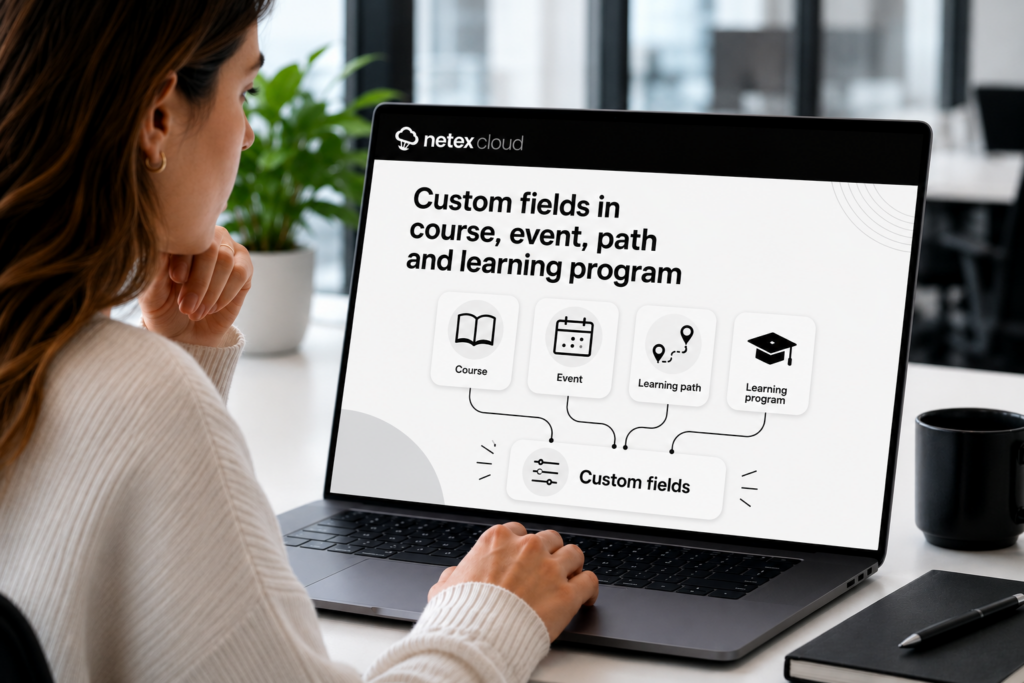
Extended Fields for events

Learning Cloud 6 brought recently the feature to create an specific field for Courses or Itineraries. We are proud to announce that now the specific field for Events too.

More information.

News on course filters

Release date: 20th December 

New reports and filters.

We introduce course report, a new reporting tool that allows customers to see the progress data for all the trainings of a course at the same time, generate a list with the trainings you want and quickly view the information on its evolution:

  • start and end dates,
  • current status,
  • progress of students.

More info.

Filter by Extended fields in Users report.

From now on customers will also find more options when filtering the results of the list in the Open filters tool. New search fields related to user information (course, status, progress…) will be avaliable, starting with user Extended fields.

More info

LC6. October 2023 First release

Release date: Wednesday, October 18th.

LMS

Extended fields for pathways

From this version onwards, administrators will be able to create extended fields for training pathways. The purpose of these fields is to help classify and find content more efficiently.

More information

Author

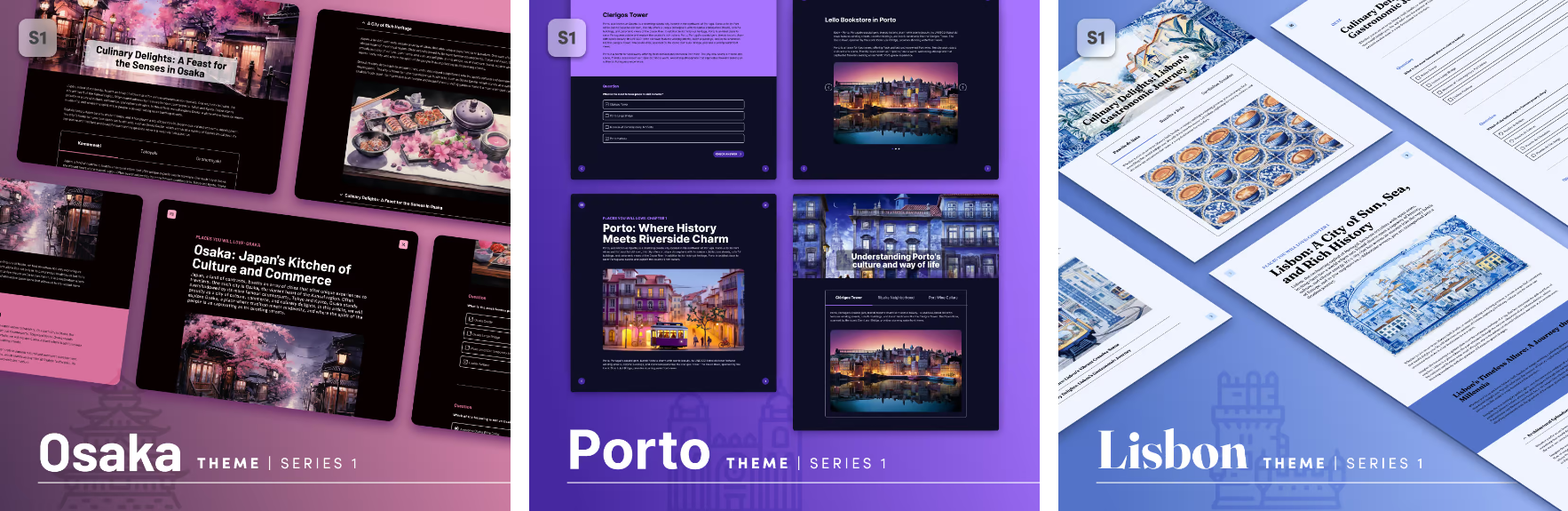
New themes available: Lisbon, Porto, Osaka

The 1 series of themes is growing. In addition to the Sidney theme, we now have the Lisbon, Porto and Osaka themes, a series of themes designed to quickly create attractive, interactive content that will look great on any device where it is launched (both mobile devices and desktop and laptop computers), simply by choosing and dragging the different content blocks available: texts, images (with areas and markers) interactive videos, accordions, tabs, galleries, and a variety of questions: single answer, multiple answer, free text, relate items, sort list, drag over image, likert.

Valid for any subject. It is possible to create content in any of the themes of series 1, and change it for another of the same series a posteriori.

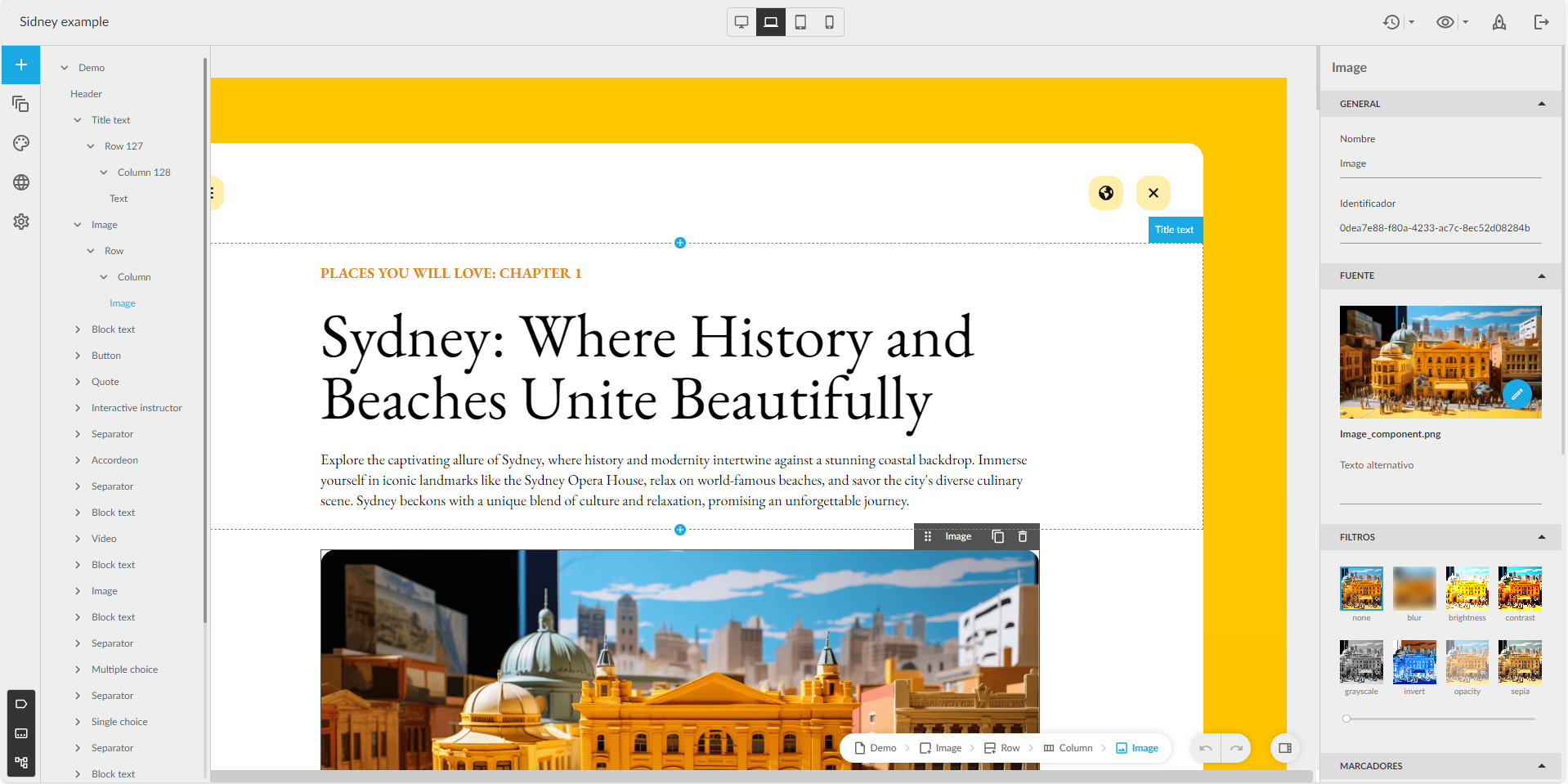
Component tree

Now authors with a Professional licence can see the tree with the structure of the components in a new panel, to know their hierarchy, and to be able to move them more comfortably.

Improved buttons

The buttons can be configured so that the content does not allow the learner to move on to the next page, or be considered completed, until the learner interacts (clicks) on the buttons that the author considers. Also with the advanced buttons.

LC6. September 2023 First release 

Release date: Wednesday, September 13th.


LMS

Required extended fields in courses

From now on you can mark the new extended fields as required to make them mandatory when creating a course.

Hotjar conector

Integration of Learner Portal with Hotjar, a web application which analyzes the product experience through surveys and other user interactions.


Author

Redesign of the editor interface

Improved design with the most used options at a glance. New sidebar with quick access to page management, pop-ups, color schemes… At the top bar, version management, preview and publishing buttons. Page visibility in the navigation menu is managed from a floating window, more user-friendly for Easy authors.

New theme available: Sidney

Quickly create interactive content adapted to any device, simply by selecting content blocks: text, images, interactive videos, accordions, tabs, galleries and a variety of questions (single and multiple choice, matching, sorting, Likert…).


New Generation

New feature: Events

Discover training events, on-site or online.

New carousels

Deleted Enrolled and Recommended carousels and added new ones News and Mandatories.

Changed Notifications

Instead of use Recommended and Enrolled carousels for get new trainings. From now we use Notifications list in user profile.