Category: Netex Author

LC6. September 2023 First release 

Release date: Wednesday, September 13th.


LMS

Required extended fields in courses

From now on you can mark the new extended fields as required to make them mandatory when creating a course.

Hotjar conector

Integration of Learner Portal with Hotjar, a web application which analyzes the product experience through surveys and other user interactions.


Author

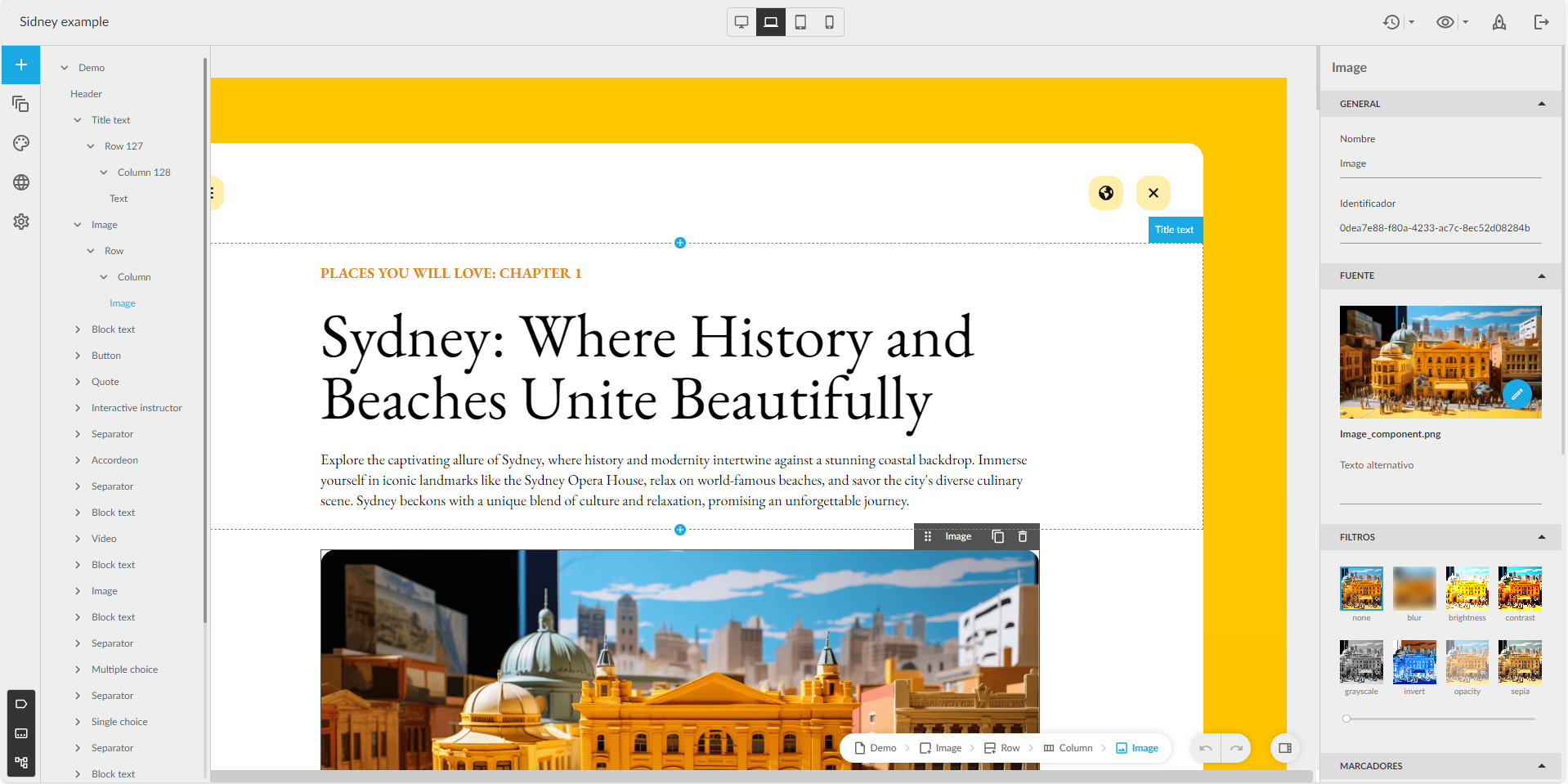
Redesign of the editor interface

Improved design with the most used options at a glance. New sidebar with quick access to page management, pop-ups, color schemes… At the top bar, version management, preview and publishing buttons. Page visibility in the navigation menu is managed from a floating window, more user-friendly for Easy authors.

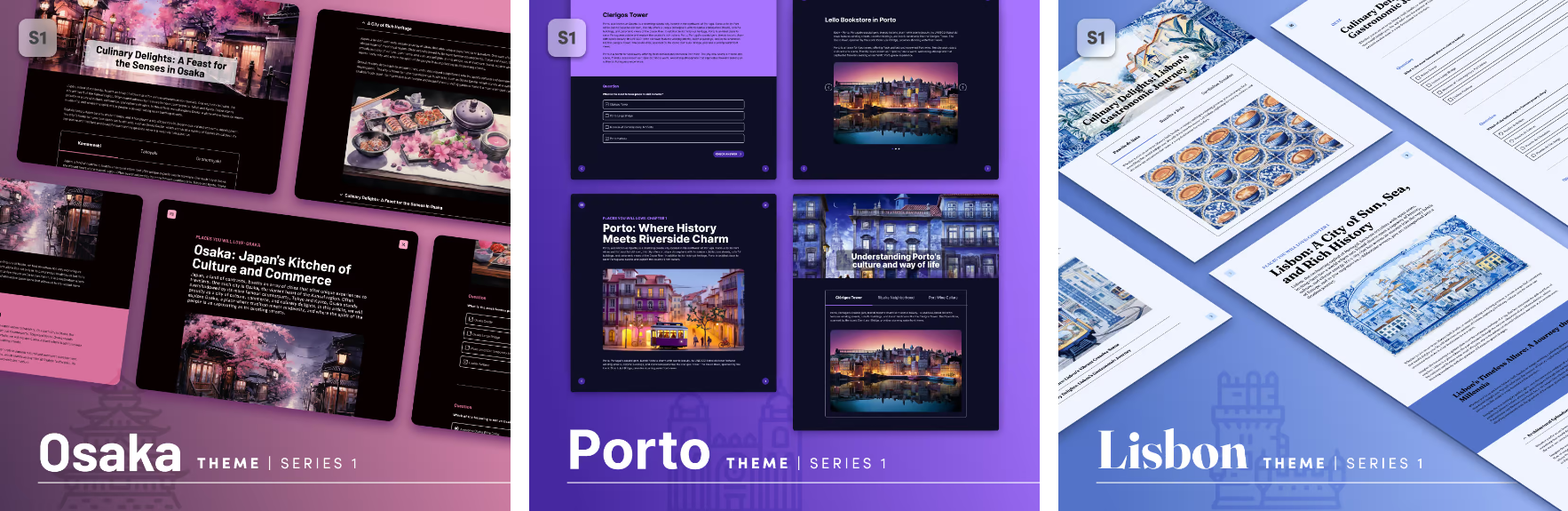
New theme available: Sidney

Quickly create interactive content adapted to any device, simply by selecting content blocks: text, images, interactive videos, accordions, tabs, galleries and a variety of questions (single and multiple choice, matching, sorting, Likert…).


New Generation

New feature: Events

Discover training events, on-site or online.

New carousels

Deleted Enrolled and Recommended carousels and added new ones News and Mandatories.

Changed Notifications

Instead of use Recommended and Enrolled carousels for get new trainings. From now we use Notifications list in user profile.

Learning Cloud Author 1.56

On Thursday 15th March​​​​​​​, a new version of LearningCloud Author (v1.56) will be released. It includes several enhancements:

  • A new type of activity is available: Drag over image.
  • Feedback can be displayed depending on the score obtained in a questionnaire.
  • It is now possible to change the size of a word or a sentence in a particular text.
  • When exporting texts in XLIFF format to send for translation, it is possible to exclude texts from the templates and symbols of pre-packaged structures in the theme.
  • You can indicate at what point in the video the learner is considered to have completed the video, so that it is not necessary for the learner to watch the end credits.
  • New action for buttons: It is possible to reset the learner’s progress in the content: videos and audios go back to the second zero of playback, the time spent for completing time-limited quizzes goes back to 0, etc.

In addition, the latest updates of the authoring module (maker) have been incorporated, along with other small improvements, internal functionalities and some bugs have been fixed.

contentCloud 1.28 – What’s new in Tokyo, Berlin and Vienna templates

We have incorporated in these templates various improvements and changes that you will be interested in:

Tokyo:

  • Repeat wallpaper. Now you can add a background image on the screens and decide if it is background is displayed at 100% of its size or if it is displayed to its original size and repeated as many times as necessary to occupy the entire screen. Learn more.
  • New properties in the “Flipable Image”. Now you have a new “Custom” view that will allow you to customize the colors and background image of the component, its border, its front and its back. Learn more.
  • New “Image Response” activity. Have your students have to locate the correct areas on an image. Learn more.

Berlin:

  • New “Code” component. If you want to do programming training, you can now easily do so with the “Code” component. You’ll be able to incorporate code from different programming languages to teach your students how to program. Learn more.
  • New “Parallax” component,which will allow you to add images to fullscreen and that will act as dividing elements. Learn more.
  • New “Reinforcement Activity” component. Now you can add activities throughout the unit that won’t be considered for scoring but will be interesting to reinforce the student’s knowledge. Learn more.
  • New view of the “Image Gallery” component. This new view will allow you to add a graphic background to the entire gallery and decide the position of the images inside (right, left, center…). Learn more.
  • Time counter in questionnaires. You can now add a timer or countdown to your quizzes. Learn more.
  • New “Image Response” activity. Have your students have to locate the correct areas on an image. Learn more.
  • New “Drawing” activity. Allow your students to do free drawing activities so they can see what the correct solution would have been. Learn more.

Vienna

  • Customize the background of all pages. You can now customize the background of all pages, including the cover, by setting a different color to each or a custom background image. Learn more.

Learning Cloud Author 1.55

On Thursday 23th February​​​​​​​, a new version of Learning Cloud Author 1.55 will be released. It includes several enhancements:

  • Editing is smoother, especially when working with text.
  • Content loads faster, both when previewing and when launched from the LMS.
  • Publication packaging takes less time to generate.
  • It is possible to add conditions to enable and disable page forward and page back buttons.
  • It is easier to assign values to design properties using the keyboard.
  • In the “easy” editing mode it is no longer possible to add pages, pop-ups and blank notifications.
  • It is possible to open several unit pages in different tabs by using the combination “Ctrl + click” (in list mode view).
  • The design of the external units page has been adapted.
  • The creation of authoring units from Word documents has been adapted for integration into the theme selector.
  • The xAPI packages include metadata with information on the tool with which they have been created, and various identifiers

In addition, the latest updates of the authoring module (maker) have been incorporated, along with other small improvements, internal functionalities and some bugs have been fixed.