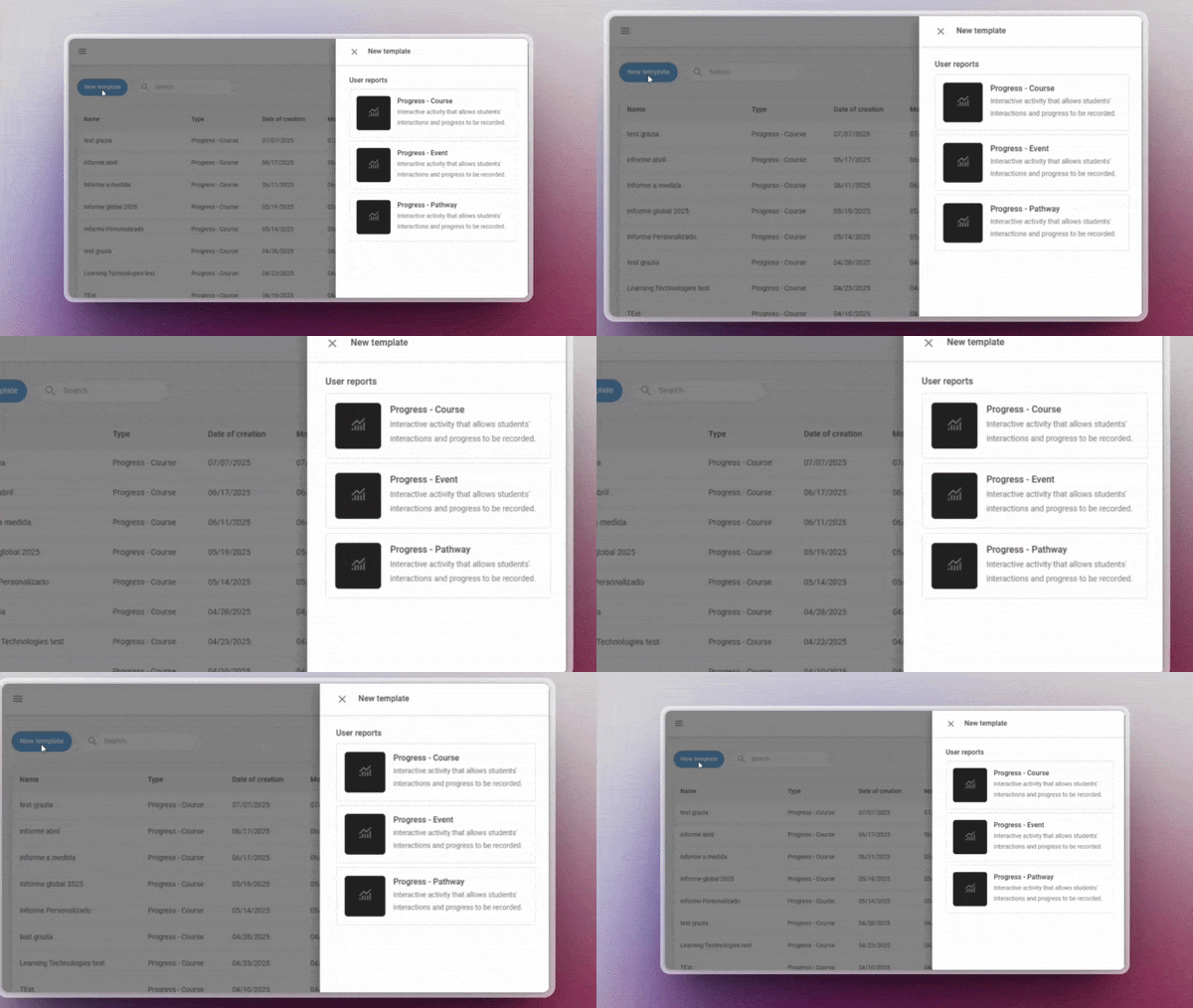
Designing reports has never been easier! You can now use pre-defined templates for events and itineraries, or create your own custom templates. This will allow you to adapt reports to the specific needs of your projects and teams.
Assignment of skills and competencies across the platform
Greater coherence in your training! You can now assign skills and competencies to any learning entity, including events, itineraries and learning programmes. This way, you can better track the development of your users’ capabilities.
Offline tracking
Learning continues even without the Internet! From the App you will be able to download xAPI activities and complete them offline. When you reconnect, your progress will sync automatically with the LMS.
AUTHOR
Direct browsing of Netex Drive libraries
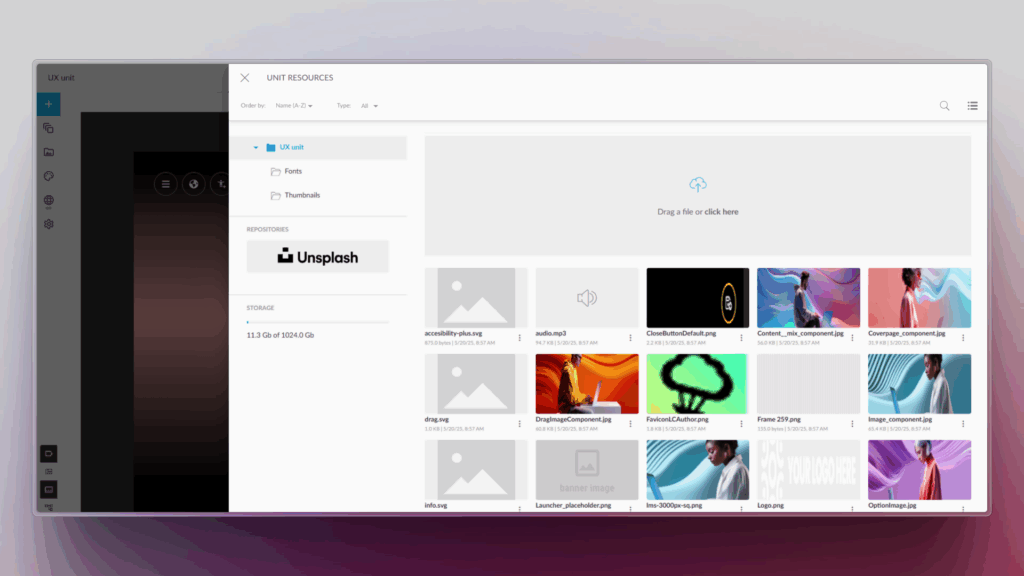
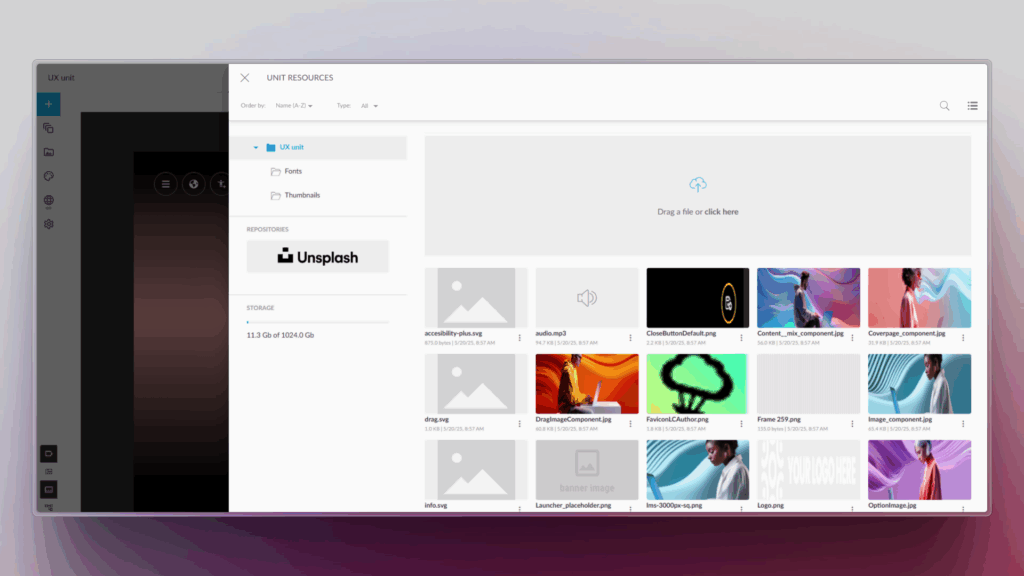
You can now access Netex Drive libraries directly from a unit’s resources panel. Easily import images, videos, PDFs or other Drive resources, just as you do with Unsplash or Getty Images.
Smart links to glossaries
Make your content more interactive and clear! You can now associate words or phrases within a text to glossary terms. When the learner clicks them, they will see the related information straight away.
Design improvements for the Designer profile
New visual states have been added to buttons and navigation menus, clearly distinguishing between the “hover” and “visited” states.
An improvement that makes the interface more intuitive and pleasant to use.
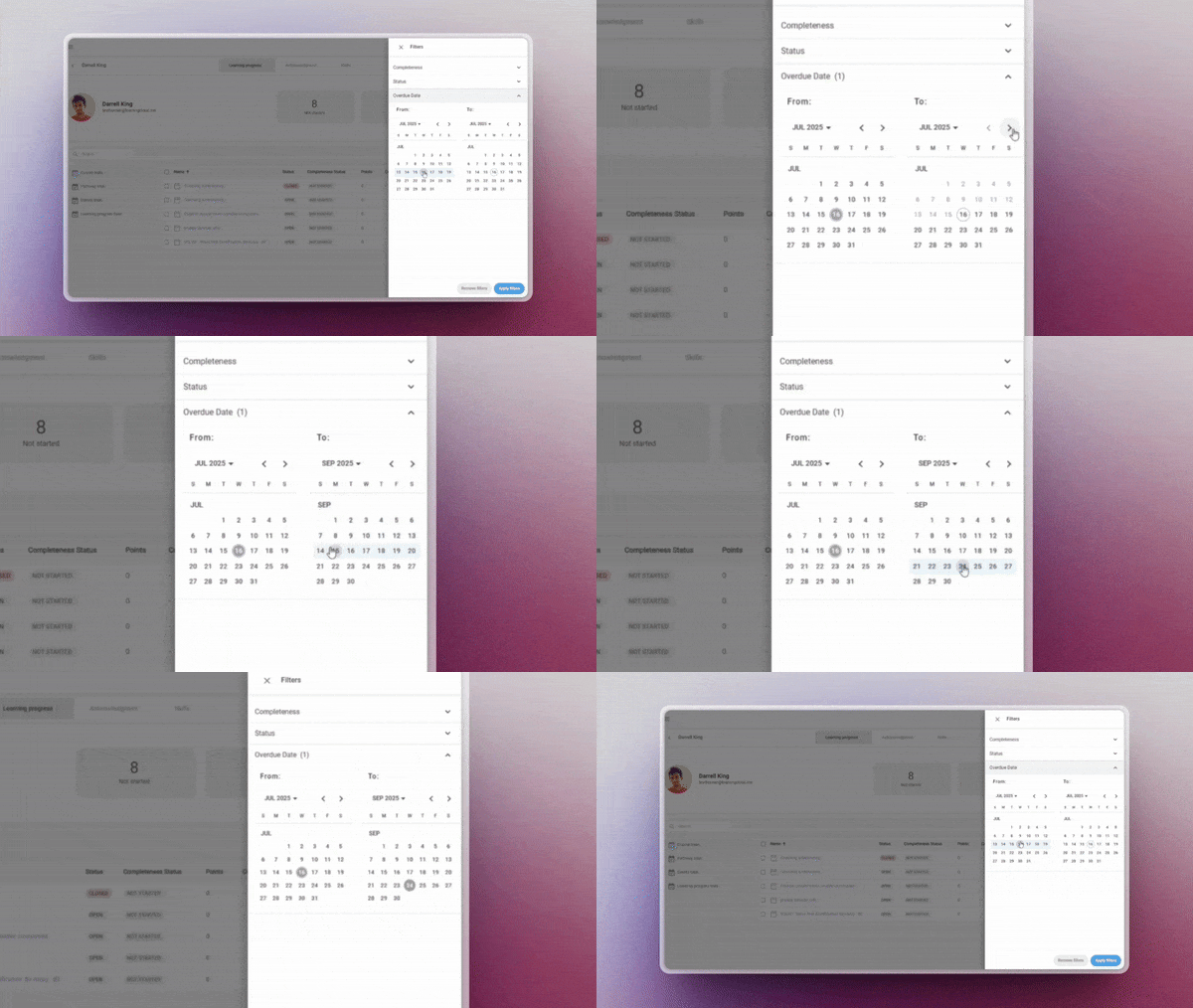
Assign a custom due date to one or several learners directly from the manager, regardless of the general deadline set in the course session. This feature allows you to:
Adapt deadlines to individual pace or specific situations
Display time remaining directly to the learner
And allow access to the content even after the deadline has passed
✔︎ Flexibility in time management without compromising the learning experience.
Now includes templates for events and pathways. Create, save and reuse your own customised reporting configurations for these key entities — no need to start from scratch each time.
✔︎ Ideal for recurring reports that require precision and agility.
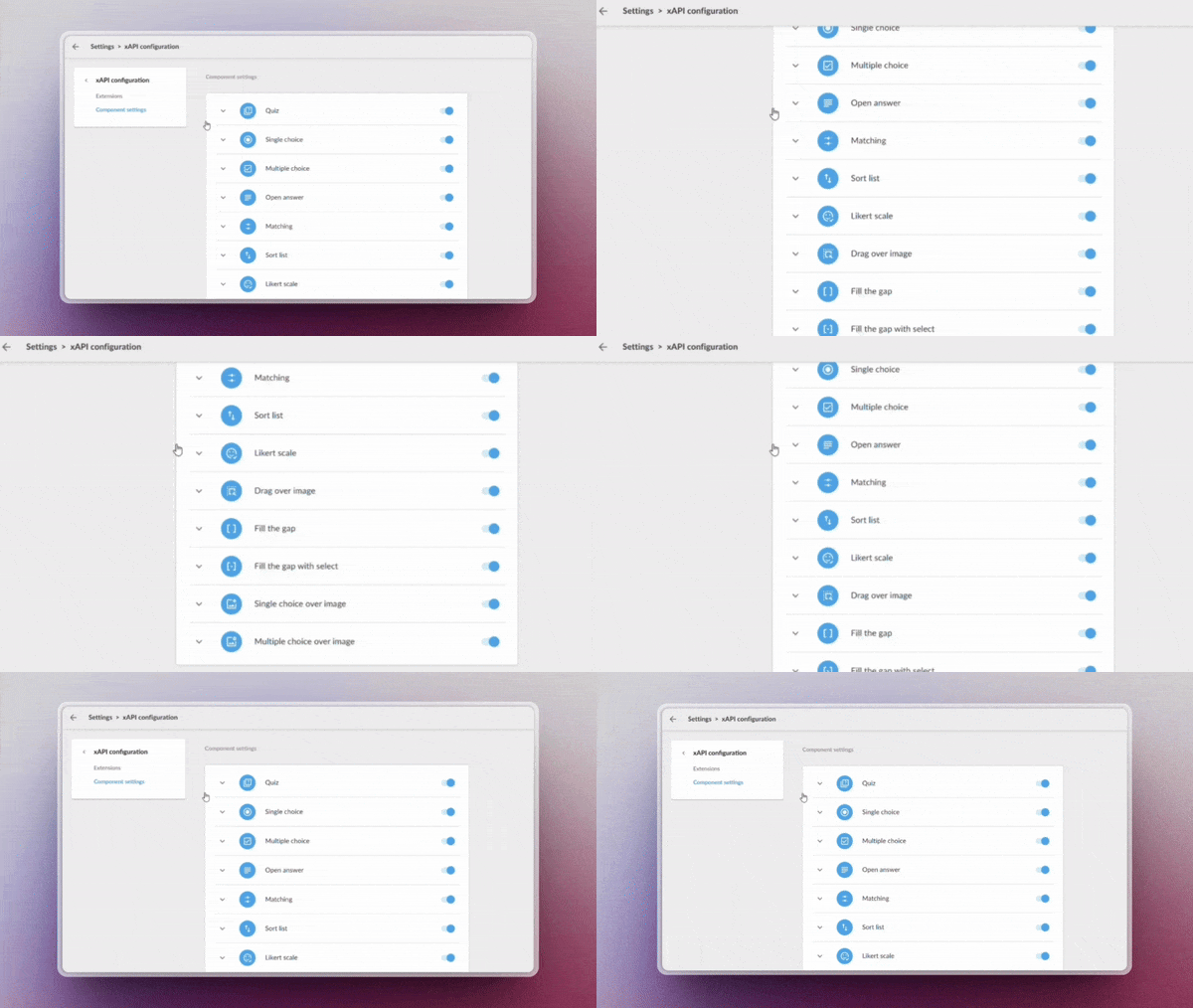
Enable advanced learning monitoring through custom xAPI tracking, ideal for generating detailed reports and advanced analysis (requires Professional licence).
Administrators now have more granular control over system metadata, allowing them to:
Record specific learning events
Rastrear comportamientos clave de los usuarios
✔︎ Leverage every data point to build more accurate and actionable reports with a fully adaptable tracking system.
Upload your videos to Drive
Manage your videos directly from the system libraries, optimising their organisation and preparing for future automatic analysis features.
✔︎ Centralise your videos in one place, keeping them organised and ready.
LEARNING SOCIAL NETWORK
Automated content curation
Activa la generación inteligente de playlists mediante IA, sin necesidad de mantenimiento manual. Configura criterios Enable AI-powered playlist generation with no manual maintenance required. Set criteria such as:
Keywords
Content language
Relevance or popularity level
The system will automatically update playlists with the most suitable resources based on your parameters.
✔︎ Save time and always offer up-to-date content aligned with your users’ needs.
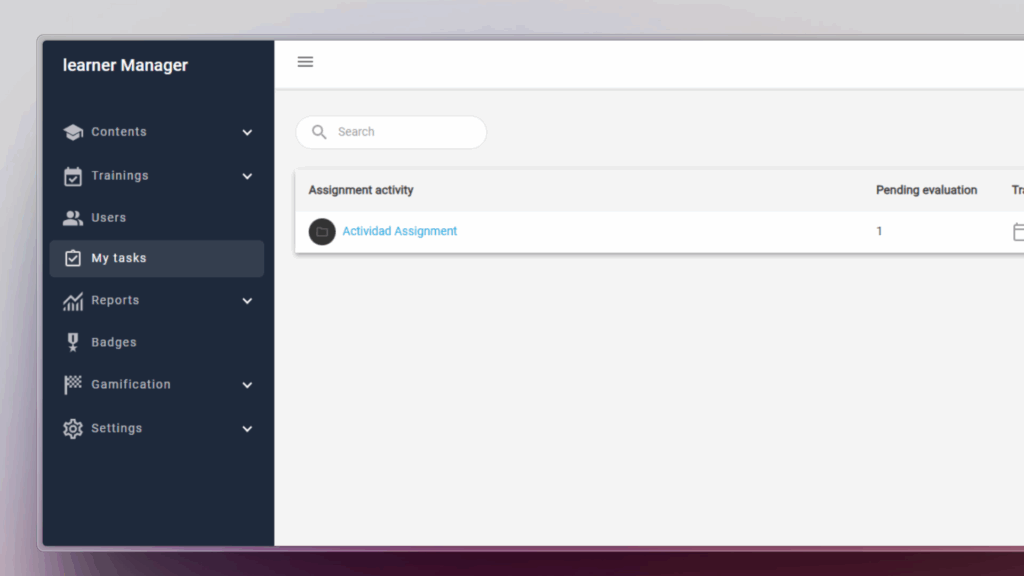
Netex Cloud LMS now includes assessment through practical assignments. Learners can submit files as evidence of learning, allowing instructors to collect and review submissions to evaluate their progress and understanding.
How does it work?
The trainer sets the assignment. They define the title, description, required resources, and whether the learner needs to upload a file as evidence.
The learner submits their work. They view the activity within the course and upload the required files in formats such as PDF, JPG, MP4, DOC, PPT, XLS, ZIP, etc.
Assessment and feedback. The trainer reviews the submitted files, provides comments, and assigns a grade.
Automatic integrations. Gamification rewards are triggered, and the overall course grade is updated for graded activities.
Benefits
Authentic assessment: Go beyond tests by evaluating learning through real-world evidence.
Complete flexibility: Supports multiple file formats and sizes.
Increased engagement: Boosts participation with automatic rewards and instant grading.
Seamless experience: Same workflow on web and mobile, with no learning curve.
Turn every submission into a learning opportunity.
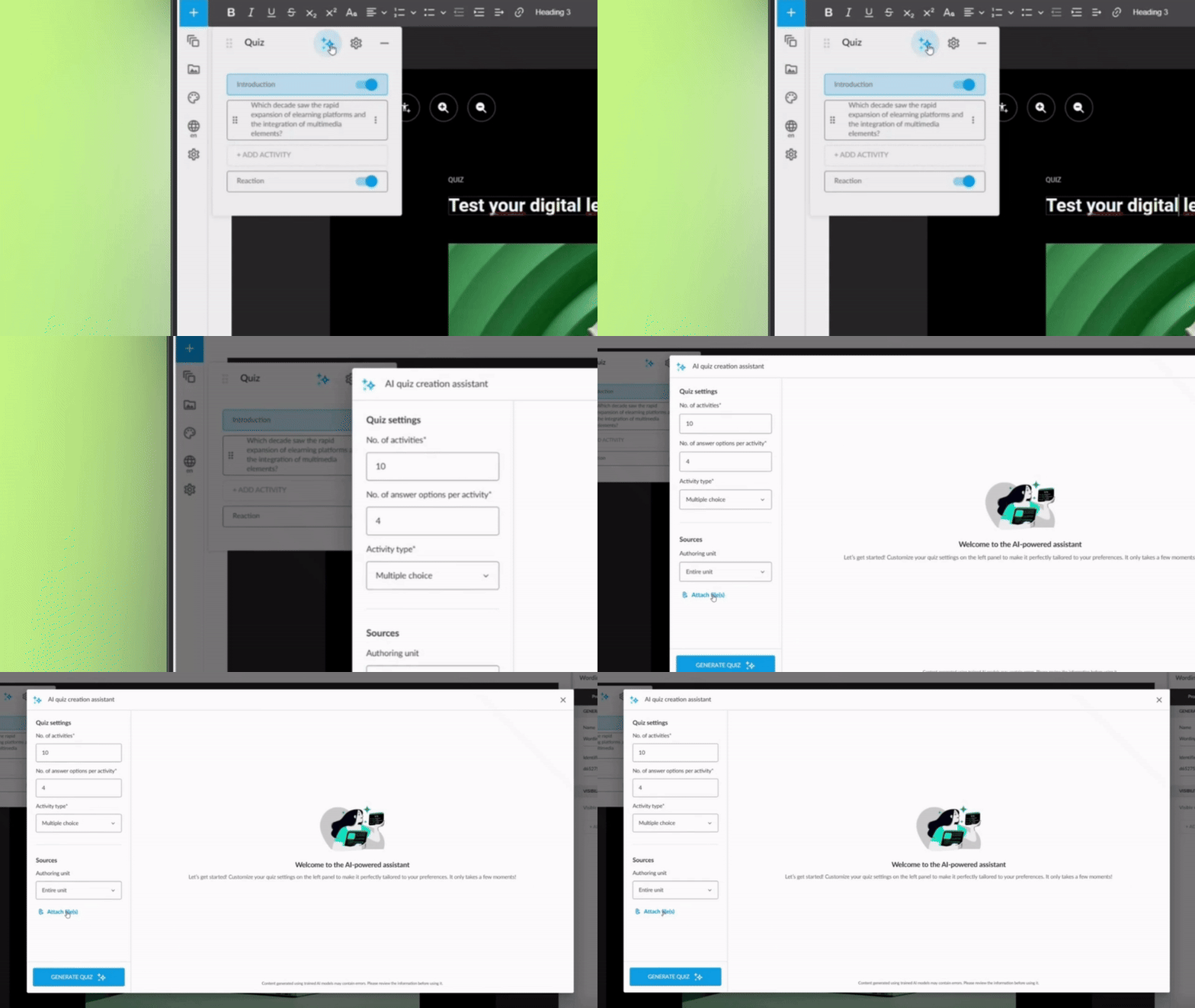
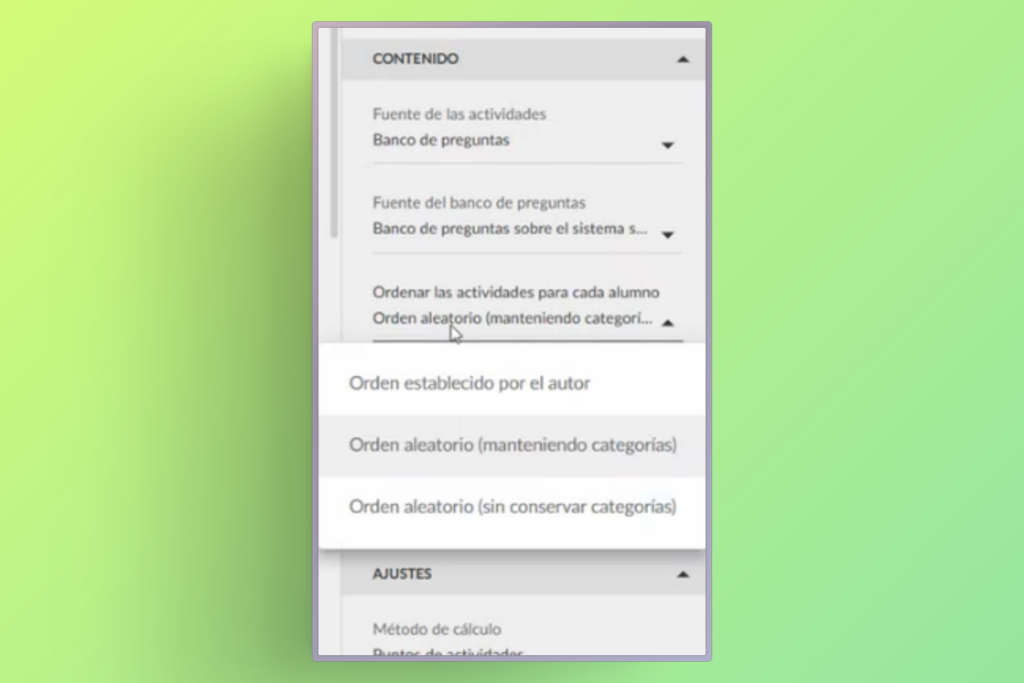
You can now create a centralised question bank in the Netex Cloud authoring tool, with single or multiple-choice questions that can be easily reused across all your content.
Managed from a single repository, updating questions or delegating their maintenance becomes much more efficient—no need to edit each unit individually.
Create dynamic quizzes by defining how many questions to draw randomly from the bank (e.g. 10 out of a total of 50), or how many per category (such as 5 from Maths and 5 from Algebra).
This allows you to offer personalised assessments to each learner—without increasing the author’s workload.
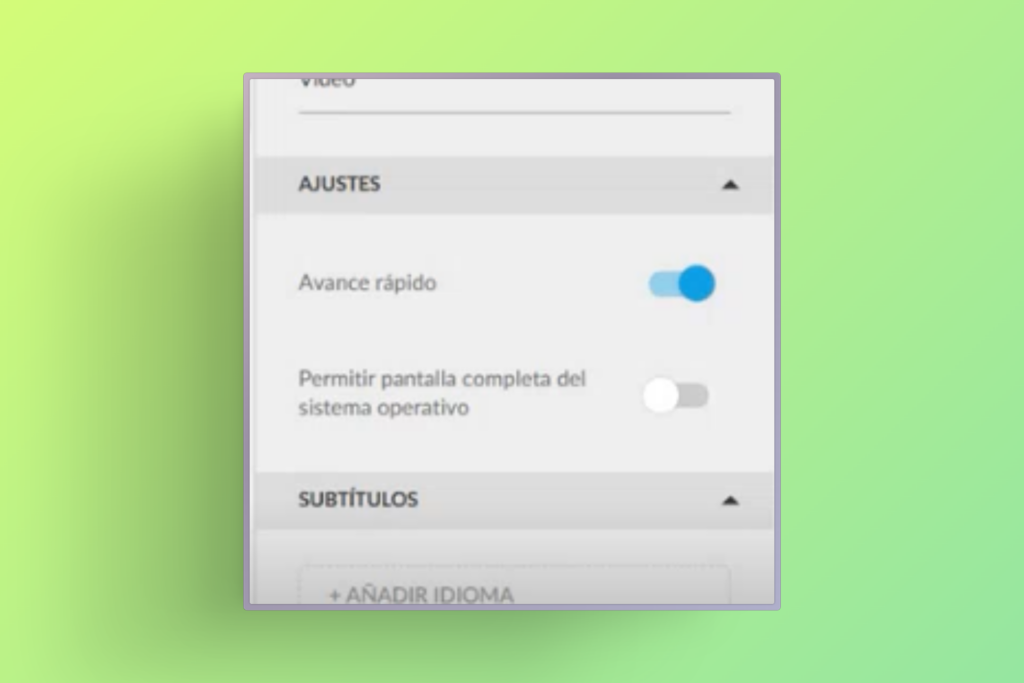
Videos now allow you to set a fixed aspect ratio (16:9, 4:3, 9:16, etc.) to ensure consistent, professional playback tailored to each design.
With these improvements, you gain efficiency, control, and quality in your assessments and multimedia resources.
Tired of setting up the same reports over and over? With our new custumereport templates, configure them once and generate reports automatically whenever you need them.
Create and save custom reports with the exact data you need.
Granular segmentation by user and course.
Advanced filters to extract key insights effortlessly.
CSV export, fully compatible with Power BI and similar tools.
Improve your events and give your users new goals.
Setting the right milestones for your learners is essential to optimize the learning experience and ensure they achieve their objectives.
Thanks to event completeness, you can now:
Set different achievement criteria for each event, adapted to your educational plan.
Set up pathways to mark events as required and ensure that users complete key steps in their training.
Track the overall progress of your team without hassle
With this feature you’ll also get a detailed assessments to adjust your training strategies, reinforce critical topics and provide better support for those who need it.
LMS Admin portal adds the option to delete a certificate so that it can be generated again. This option is useful, for example, if you changed the template and want the student to download the new version.
Administrators can now directly download user certificates from the Admin Portal. Simply select the desired users and trainings. This feature is available for both general and group administrator.
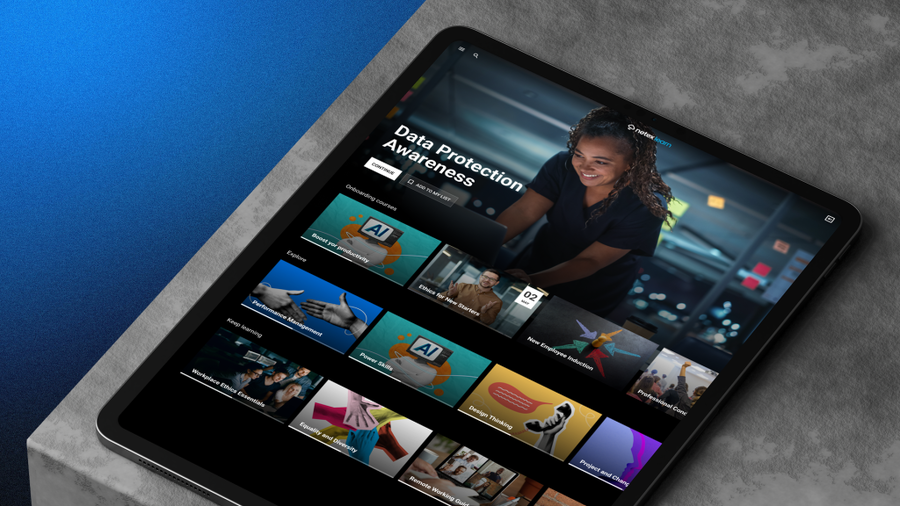
Introducing the feature to assign event trainings to carousels on the learner’s home page. This allows users to view their events organized by date proximity, making it easier for them to plan. Although it does not replace a full calendar, it ensures that upcoming events are displayed in a clear and orderly manner.
This update allows content to be automatically adjusted to display properly in languages with right-to-left reading direction, such as Arabic, Hebrew, Persian, Urdu, among others. Texts are aligned and the order of columns and selectors is reversed to adapt the whole experience.
In addition, Professional licensed authors can customize the direction of the content according to their needs.
Subtitle literal change.
The text to disable subtitles has been changed from “disabled” to “off”, providing a clearer and more direct term.
Improved quiz display
Activity statements are now displayed more clearly in a floating window, improving the user experience when navigating quizzes.
Now you can manually mark the completeness of a content by one or more users, directly from the Admin Portal. Both for courses, Pathways and Learning Programs. On the other hand, you can also mark as completed several contents for the same user.
This update allows you to adjust the appearance of the Student Portal based on user groups, modifying logos, colors, and background images. If a user belongs to multiple customized groups, they are prioritized according to their level or the date of modification.
Administrators can now reorder and modify the titles of carousels, including default ones, directly from the Admin Portal. They can also hide carousels, with the exception of My list.
Badges can now be set as milestones in Learning Paths and Programs, blocking progress until they are achieved. This provides greater flexibility and control over user progress.
Attendance Marking by Group Administrators Group administrators can now mark attendance for events for their group members. This improvement streamlines attendance management and allows for more precise participation tracking.
Content Publishing by Authors Authors can now publish content without needing validation from a validator. This change grants authors greater autonomy and speeds up the workflow.