
Code blocks in the Authoring tool
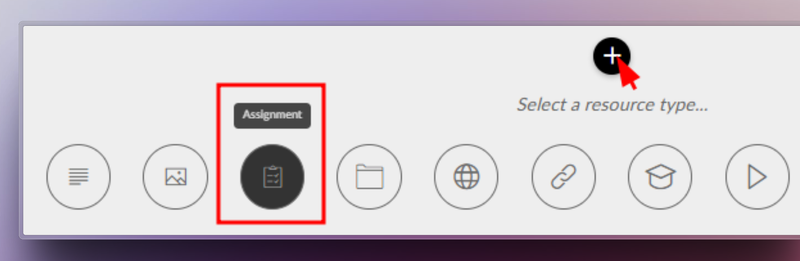
You can now insert source code blocks directly into content created with Author.
✔︎ Clearer, more professional content that’s much easier to read.
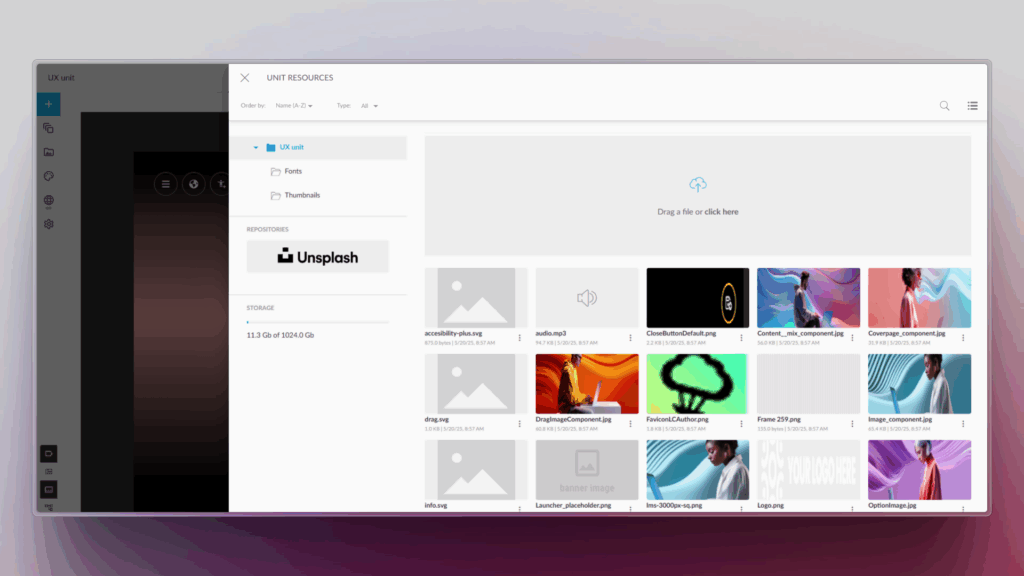
More supported file types in Drive
We’ve expanded the range of supported formats in Drive, so you can work with more resource types from a single place.
New supported formats:
- Office documents: spreadsheets, presentations and text documents
- Audio files: such as MP3, WAV and other common browser-compatible formats
For audio files, an integrated player is now available, allowing users to listen directly within the platform. 🎧
✔︎ Greater flexibility to adapt learning assets to different business and tracking needs.
Experts can now use content from Drive
The Experts functionality takes another step forward: it is now possible to add knowledge from Drive directly into an Expert.
Experts can currently use the following as knowledge sources:
- SCORM
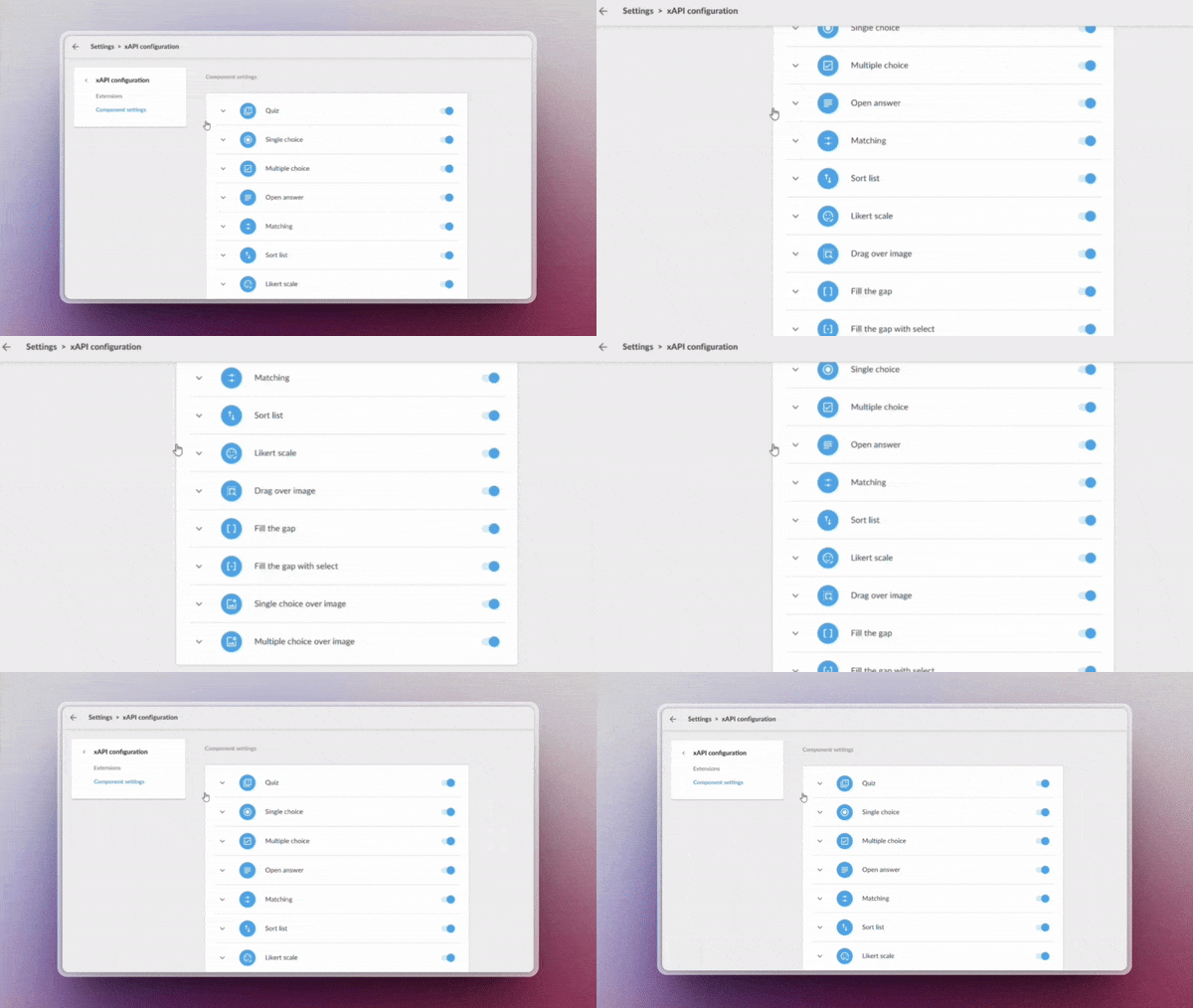
- xAPI
This enables more enriched responses, combining content not only from the LMS but also from Drive—always respecting each user’s access permissions.
✔︎ More powerful Experts, better connected to your resources and more effective in answering real-world questions.
New tag-based search filter in the LMS
A new search criterion has been added to the LMS: tag-based search.
Users can now find content more precisely using associated tags, in the same way they already do with other search fields.
✔︎ Faster and more intuitive access to the right learning content.
Note: this functionality is available in environments already using the latest version of carousels/search.
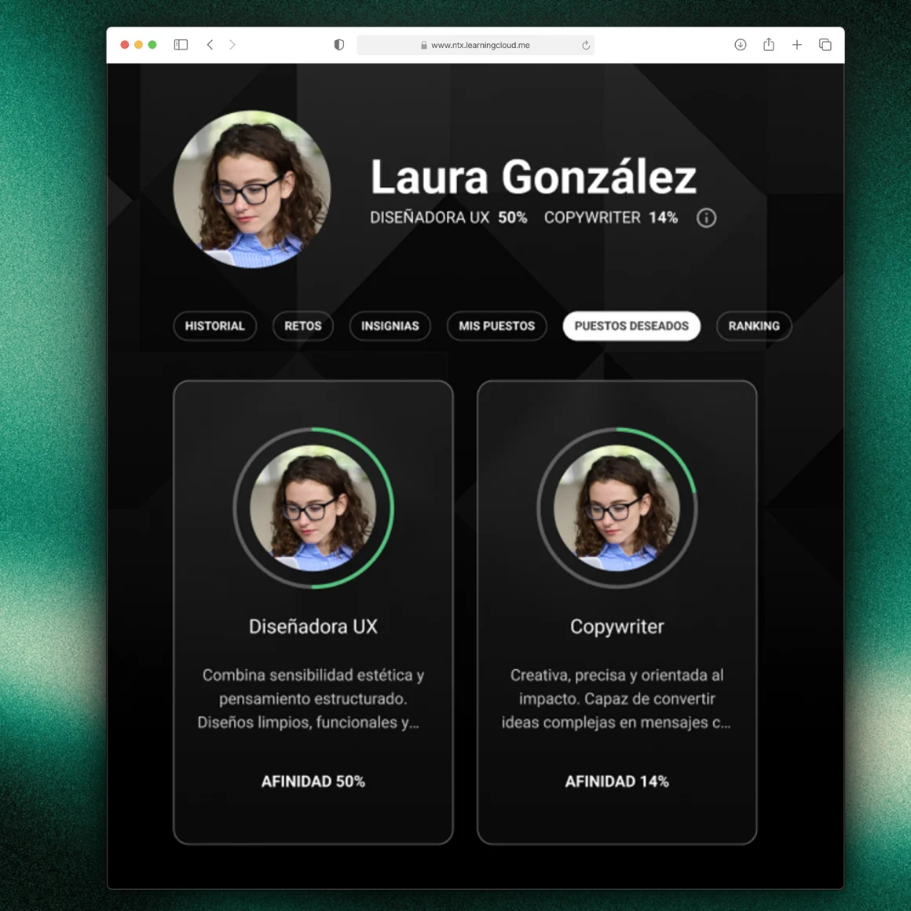
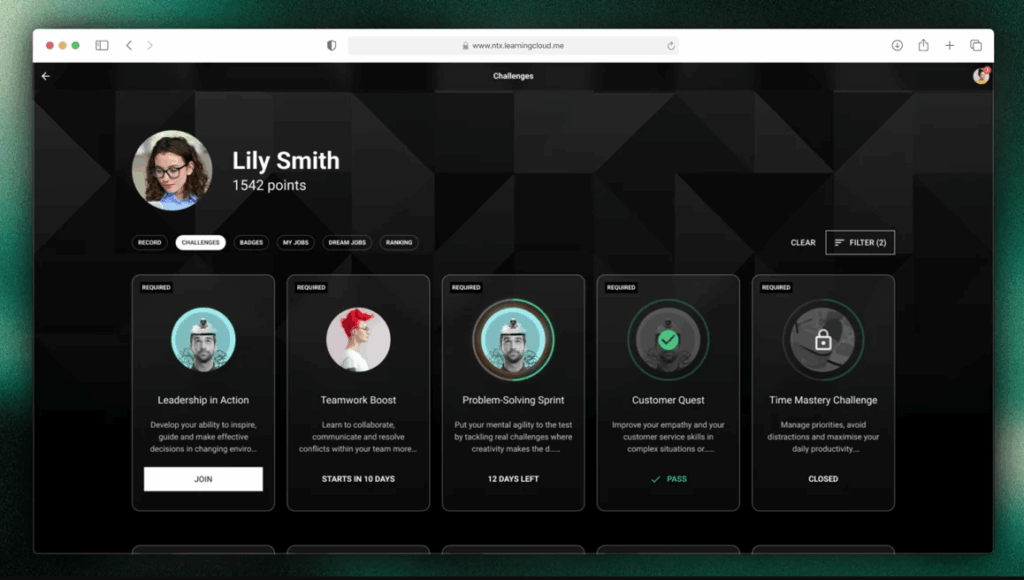
Redesigned job role view
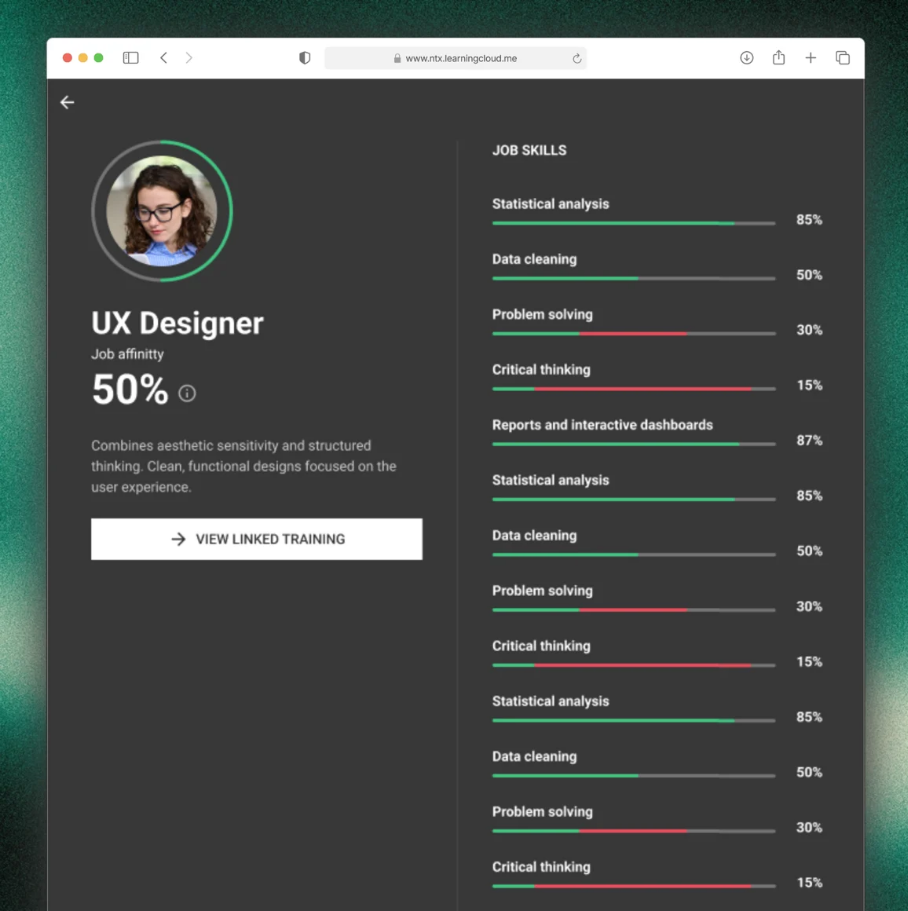
The job roles screen has been redesigned to provide a more visual and intuitive experience. Key improvements include:
- Updated colour scheme for easier reading
- Visual indicators of current and target levels for each competency
- More detailed insights when selecting a competency
- Direct access to related content to continue improving each skill
✔︎ Result: clearer progress visibility and more effective navigation.

Netex Cloud. November 2025 First Release.
SHARE
Publish when you choose
Now, in our knowledge-sharing tool, you can save a post as a draft, ensuring that it is not visible to the people subscribed to the playlist until you decide to publish it.
AI Author with human review
If you use the AI Author feature, you can configure it so that automatically generated posts are not published directly, but are instead saved as drafts. This way, a human author can review them, improve them, and decide the exact moment of publication.
AUTHOR
Improvements in the content review process
The content review process in Netex Cloud’s authoring tool is now more agile, clearer, and more collaborative. We have redesigned this workflow to make the work of both authors and reviewers easier, avoiding bottlenecks and accelerating every stage of the process.
Comments and tasks directly on the content
Reviewers can add comments and create change tasks directly on the content itself, making communication and adjustment management much more direct and organised.
Temporary unit locking
To avoid simultaneous edits, authors can temporarily lock a unit while they are working on it. Fewer interferences, more peace of mind.
Faster navigation during review
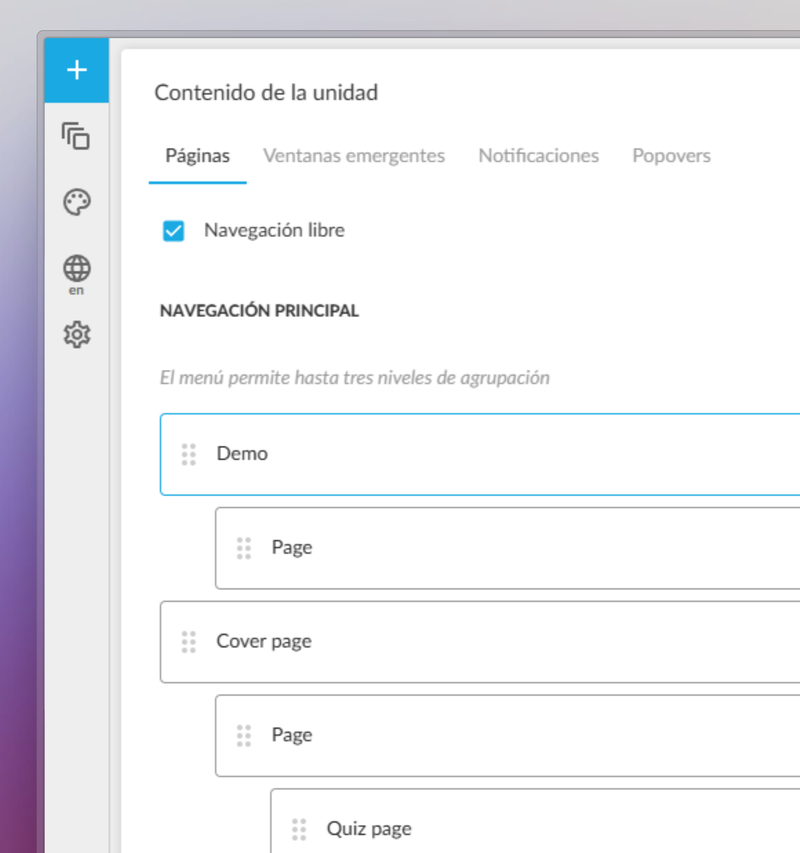
During this process, sequential navigation can be unlocked to quickly access the last pages. This helps speed up reviews and move forward faster than ever.